Waiter work
This page is only for the Waiter role.
Where to sign in
Section titled “Where to sign in”- Take the waiter tablet / phone (prepared by a manager).
- Open the waiter app.
- Enter your PIN.
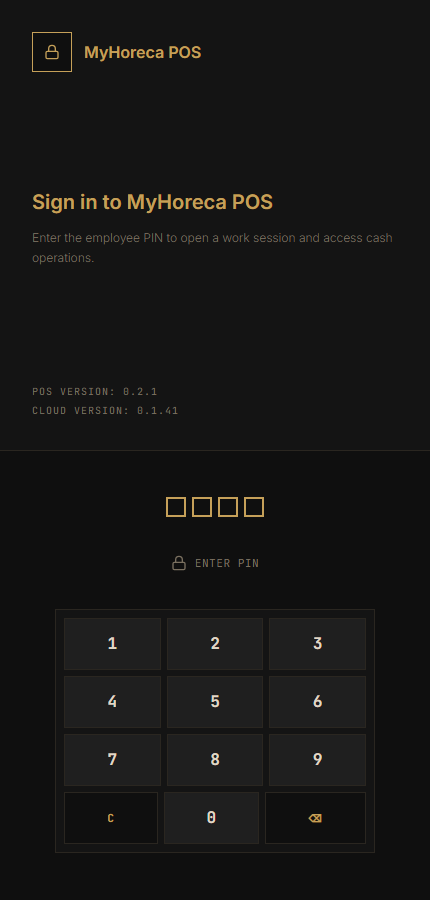
- Open your personal shift if asked.
No device — ask a manager to open Mobile access on POS and show the code.
What a waiter can do
Section titled “What a waiter can do”| Action | How |
|---|---|
| Choose hall and table | Home screen |
| Open order on a table | Tap the table |
| Add dishes | From the menu |
| Precheck | Precheck button |
| Personal shift | Open / close yours |
Step by step
Section titled “Step by step”Home screen — halls and tables:
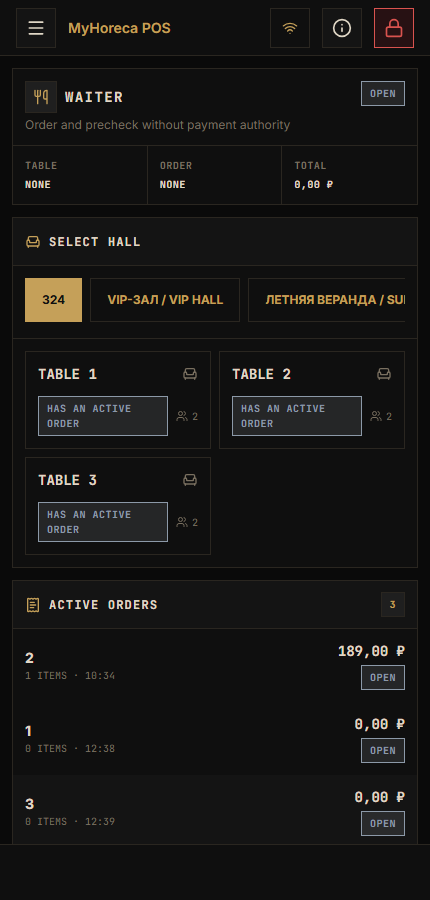
Choose a hall:
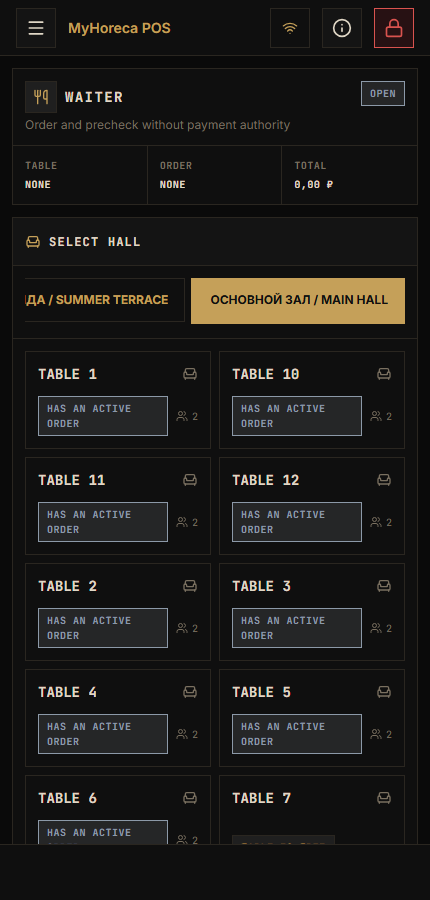
Choose a table and open the order:
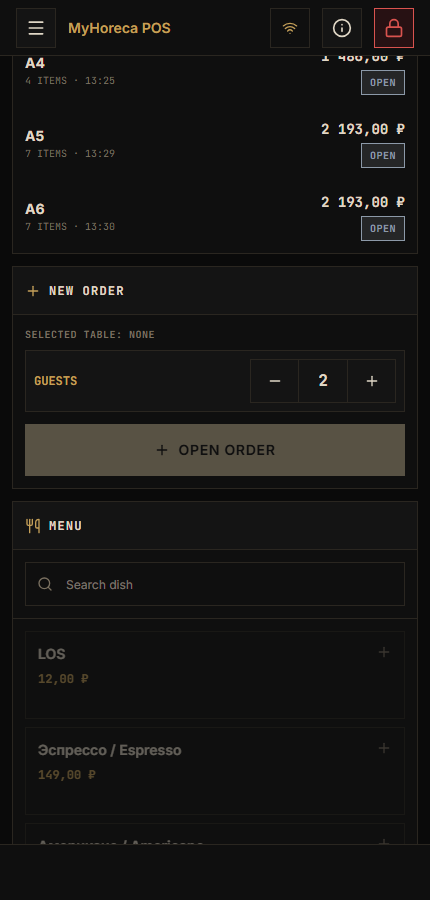
Then add dishes. Use Precheck if the guest needs to see the total.
Payment is at the counter if that is your house rule.
What a waiter usually CANNOT do
Section titled “What a waiter usually CANNOT do”- payment cash / card — cashier;
- open / close cash session;
- refunds;
- kitchen screen as a cook;
- Cloud menu setup.
No “Cash / Pay” button — normal for a waiter.
End of shift
Section titled “End of shift”Close your personal shift on your device. Do not leave the login open.
If it fails
Section titled “If it fails”- “no permission” / grey buttons — call a manager;
- no tables — wait for sync or tell a manager;
- your PIN only.
See also: who does what, sell an item (cashier).