Open your personal shift
A personal shift tells the system who is working now. Without it many POS sections stay blocked.
Step 1. Right after PIN
Section titled “Step 1. Right after PIN”You often see this dialog immediately:
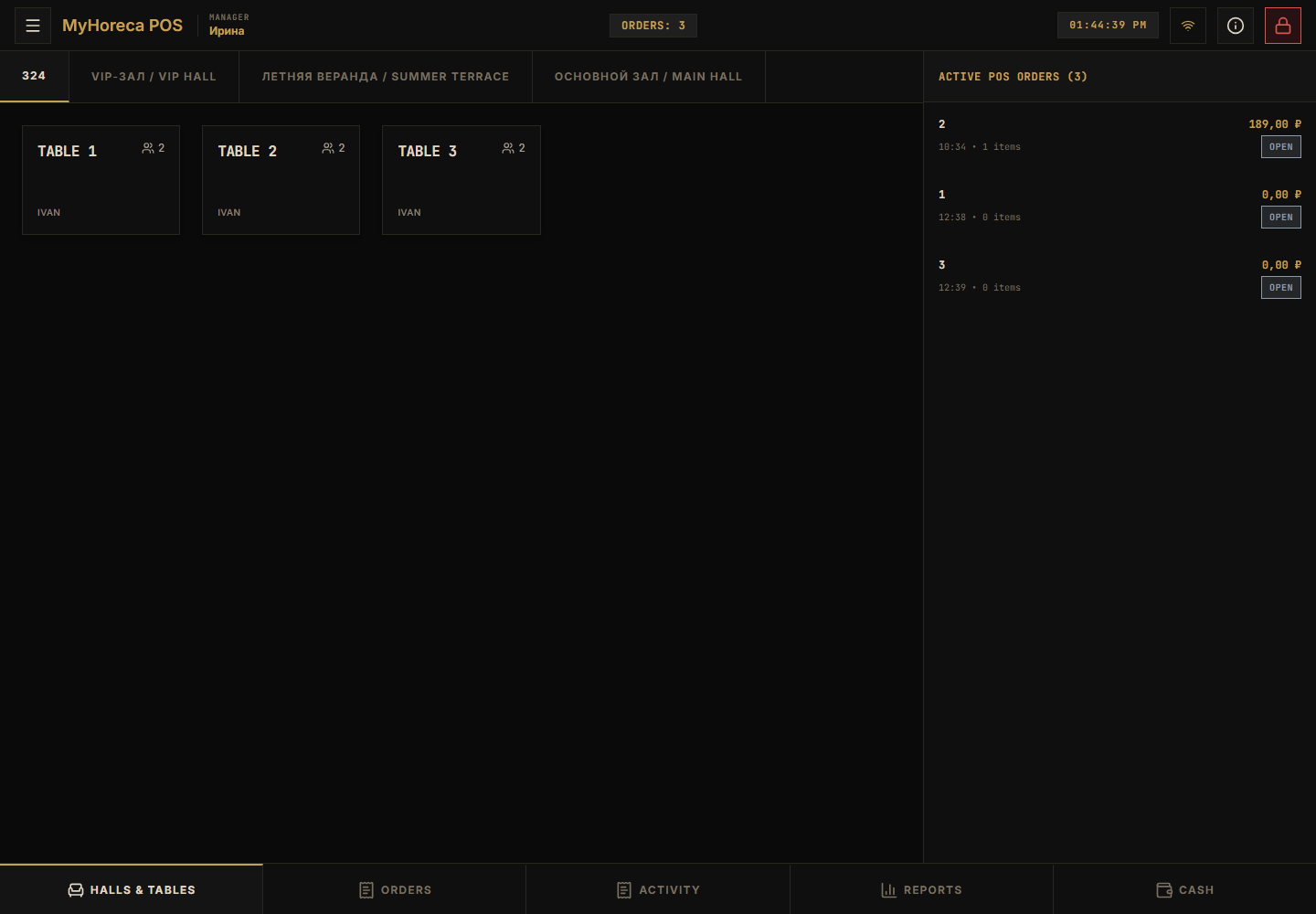
Tap the large Open shift button.
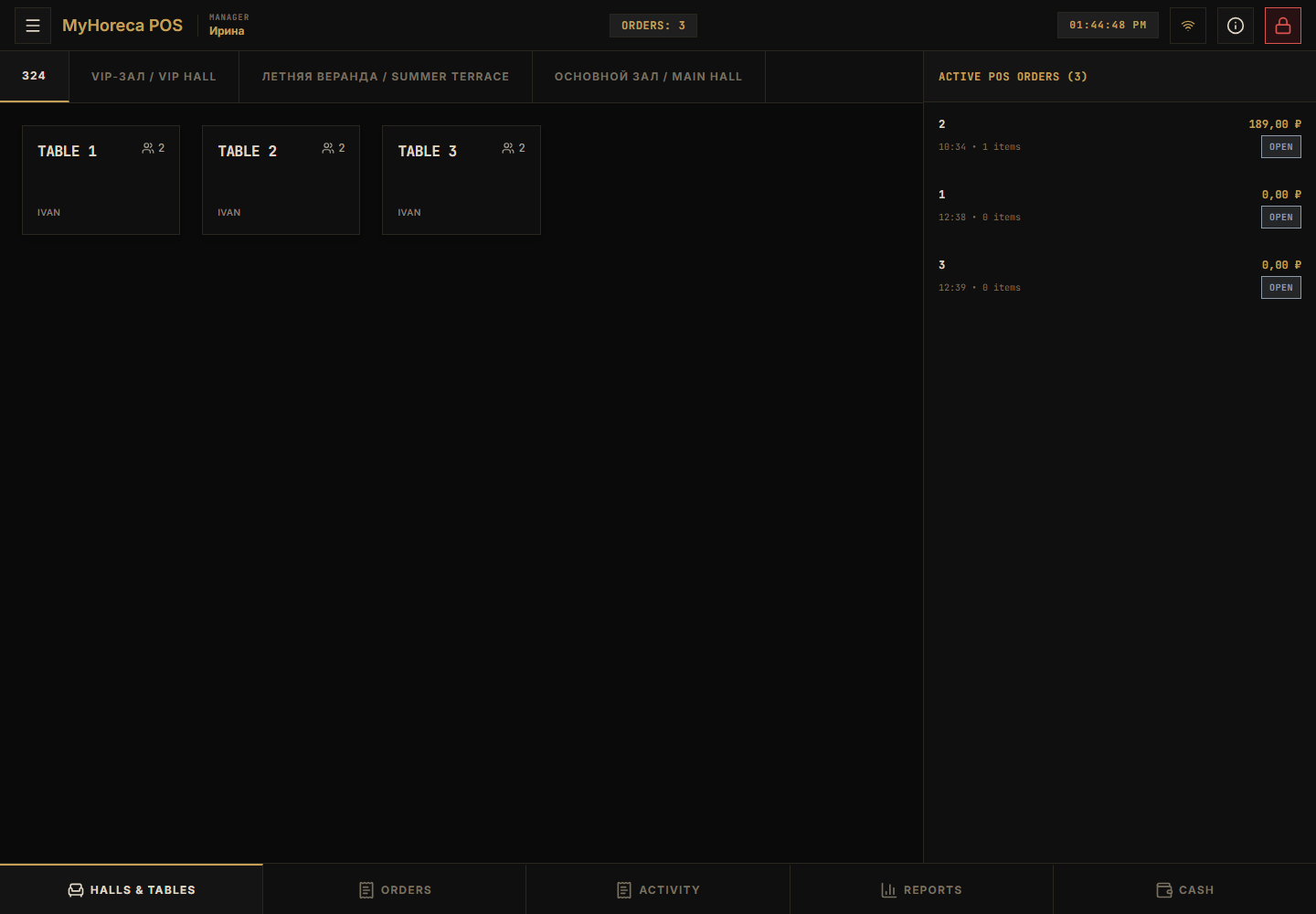
Step 2. Shift is open
Section titled “Step 2. Shift is open”You enter the workspace. Your name/role appears in the header.
Step 3. Check in Cash
Section titled “Step 3. Check in Cash”Open Cash in the bottom bar. You should see personal-shift status and cash-session controls.
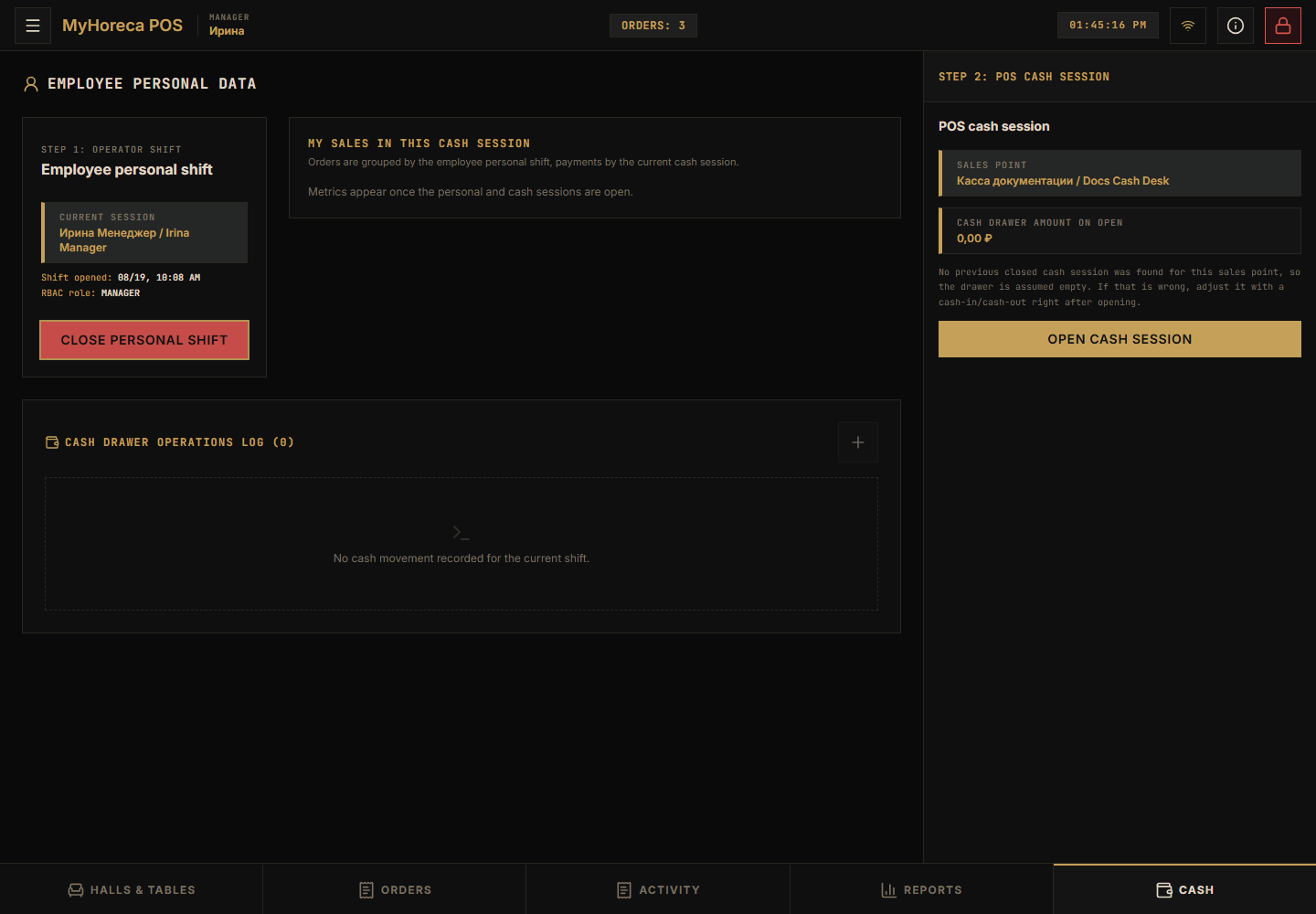
Cashiers continue with open cash session.
Common issues
Section titled “Common issues”- “Shift already open” — you can work;
- “No permission” — wrong role for this PIN.