Sign in with PIN
What you need
Section titled “What you need”- MyHoreca POS open;
- your personal PIN (from a manager).
Step 1. Sign-in screen
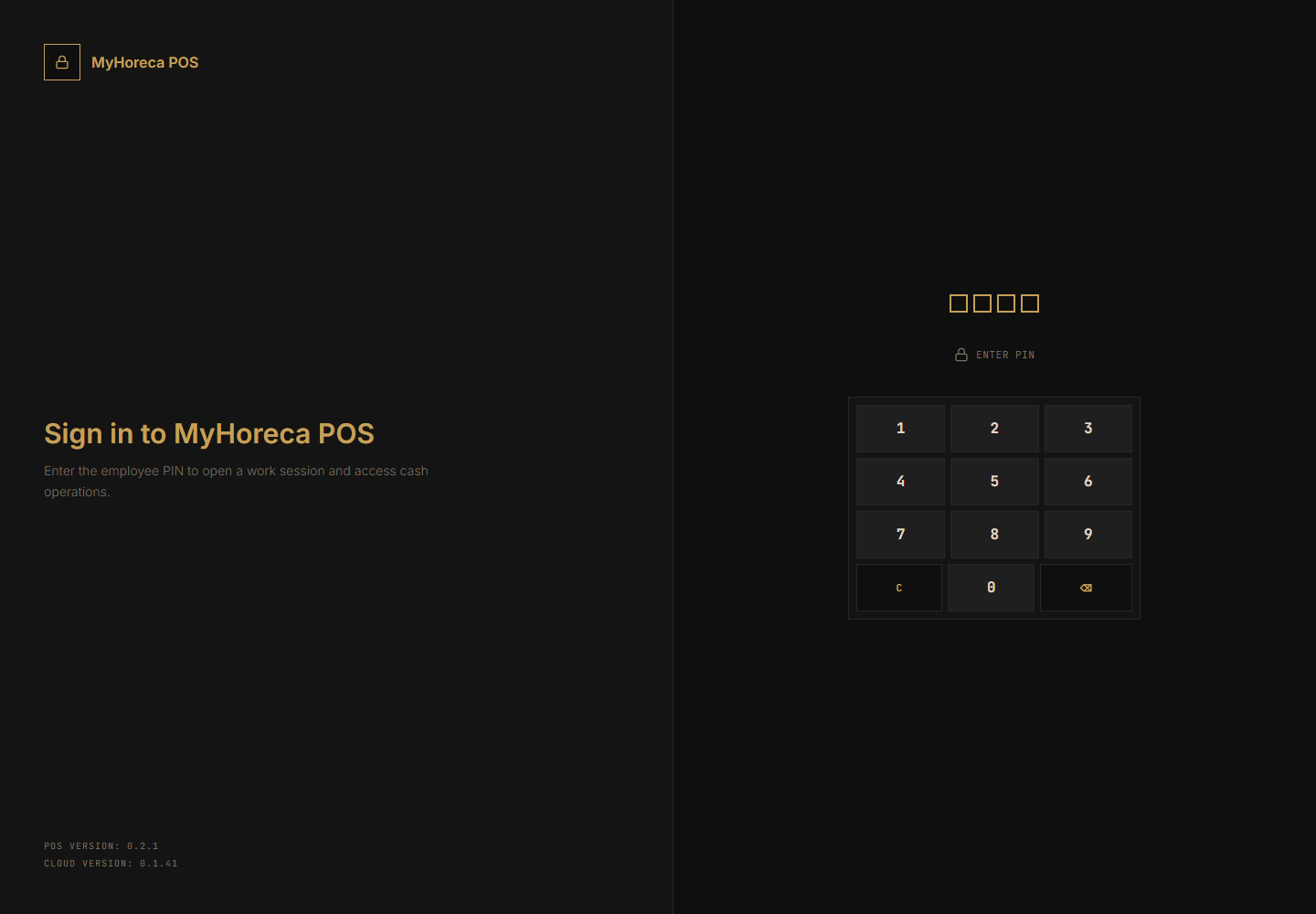
Section titled “Step 1. Sign-in screen”You see a dark screen with a numeric keypad on the right.
Step 2. Enter digits
Section titled “Step 2. Enter digits”Tap digits on the on-screen keypad. The boxes above fill with dots.
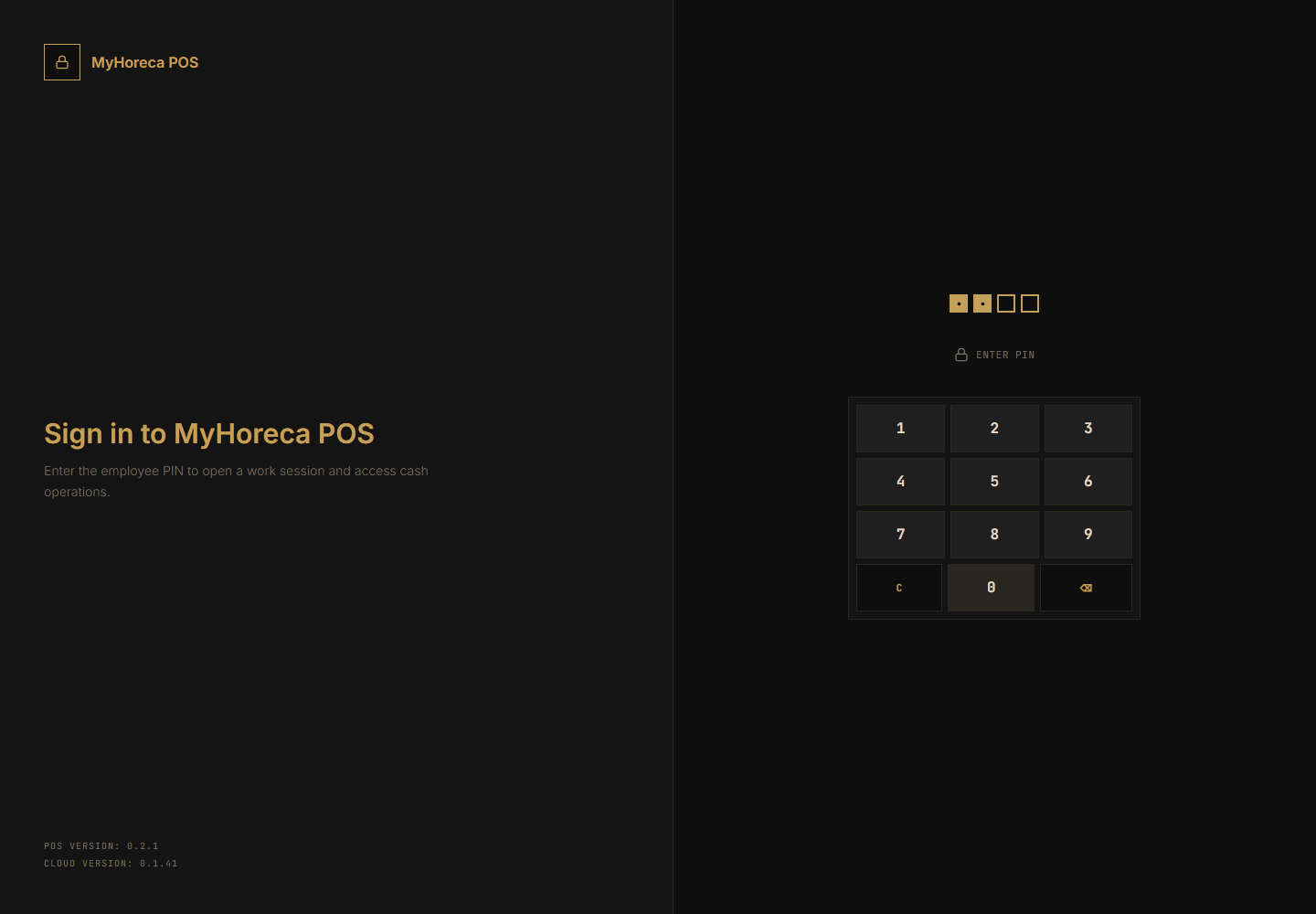
- one wrong digit — tap ⌫;
- clear all — tap C.
Step 3. The system lets you in
Section titled “Step 3. The system lets you in”After a correct PIN, sign-in happens automatically (usually no separate OK button).
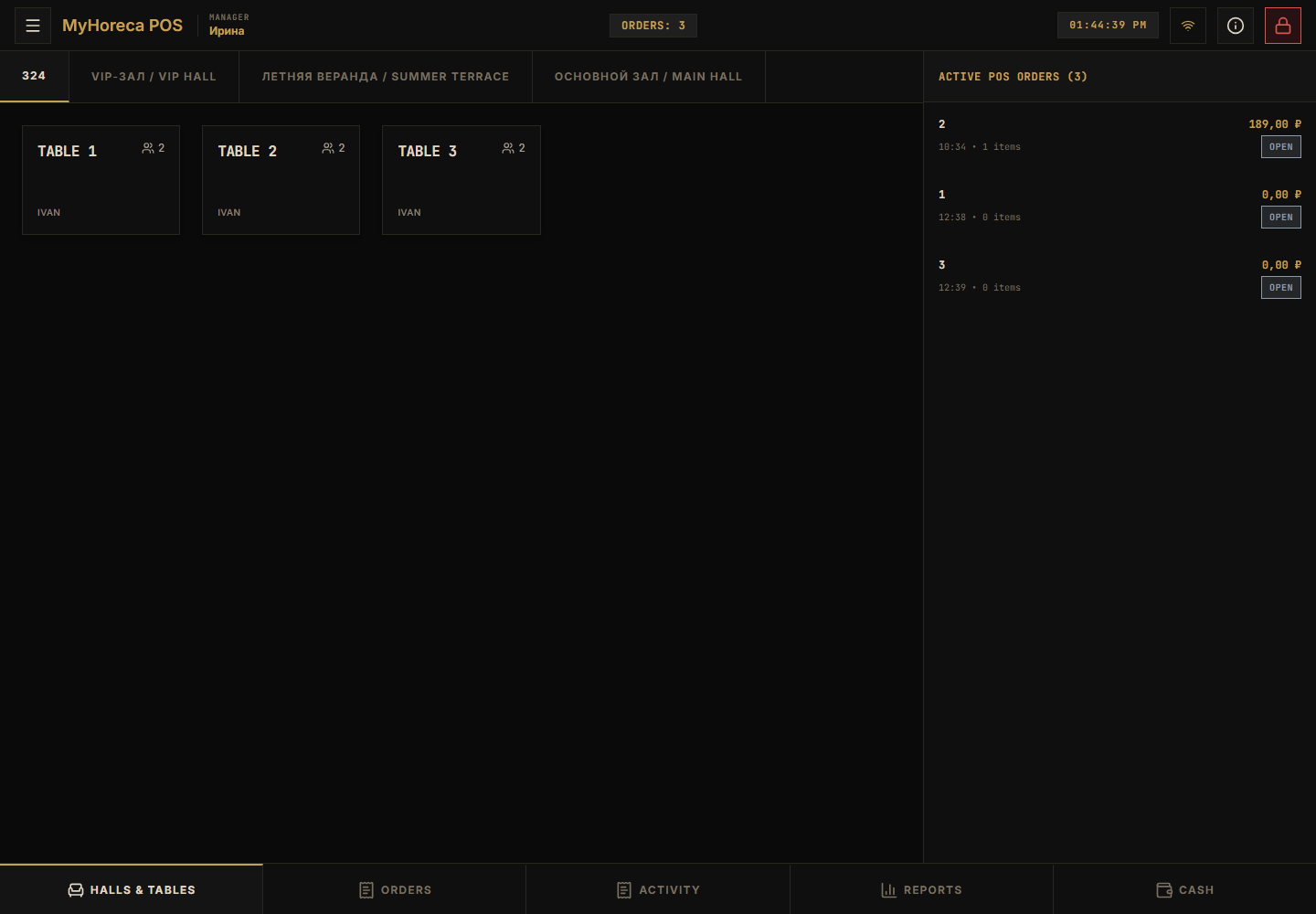
You often see Open your personal shift immediately — that is expected. Next: open your personal shift.
If it fails
Section titled “If it fails”| Problem | What to do |
|---|---|
| Wrong PIN | Check digits. Only a manager can reset it in Cloud. |
| Nothing happens | Enter the full PIN length. |
| Wrong person | Sign out / lock and use your own PIN. |