Choose a table and start an order
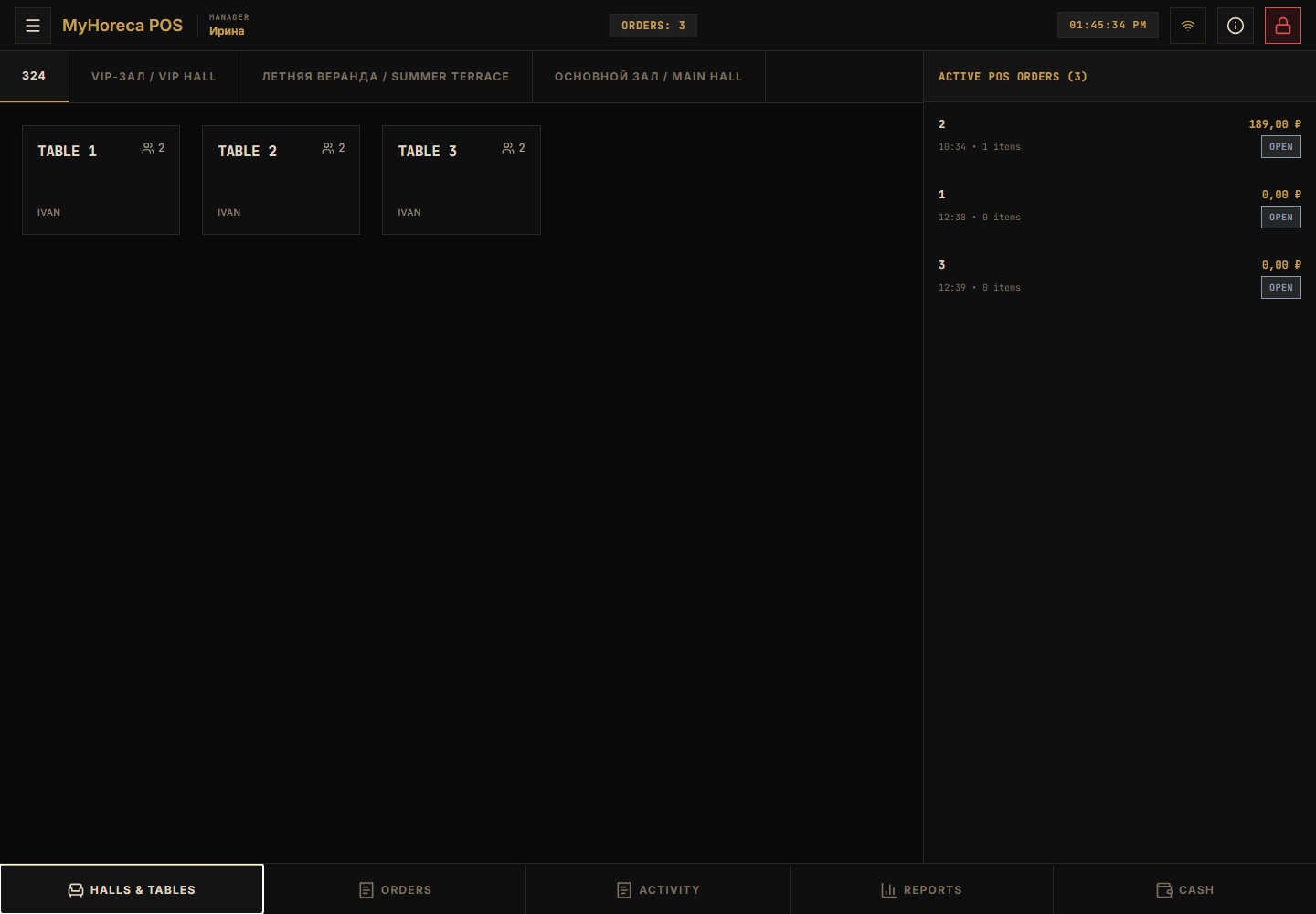
Step 1. Open Floor
Section titled “Step 1. Open Floor”Tap Halls & tables in the bottom bar.
Step 2. Choose a hall
Section titled “Step 2. Choose a hall”Switch hall tabs at the top (Main Hall / VIP / Terrace…).
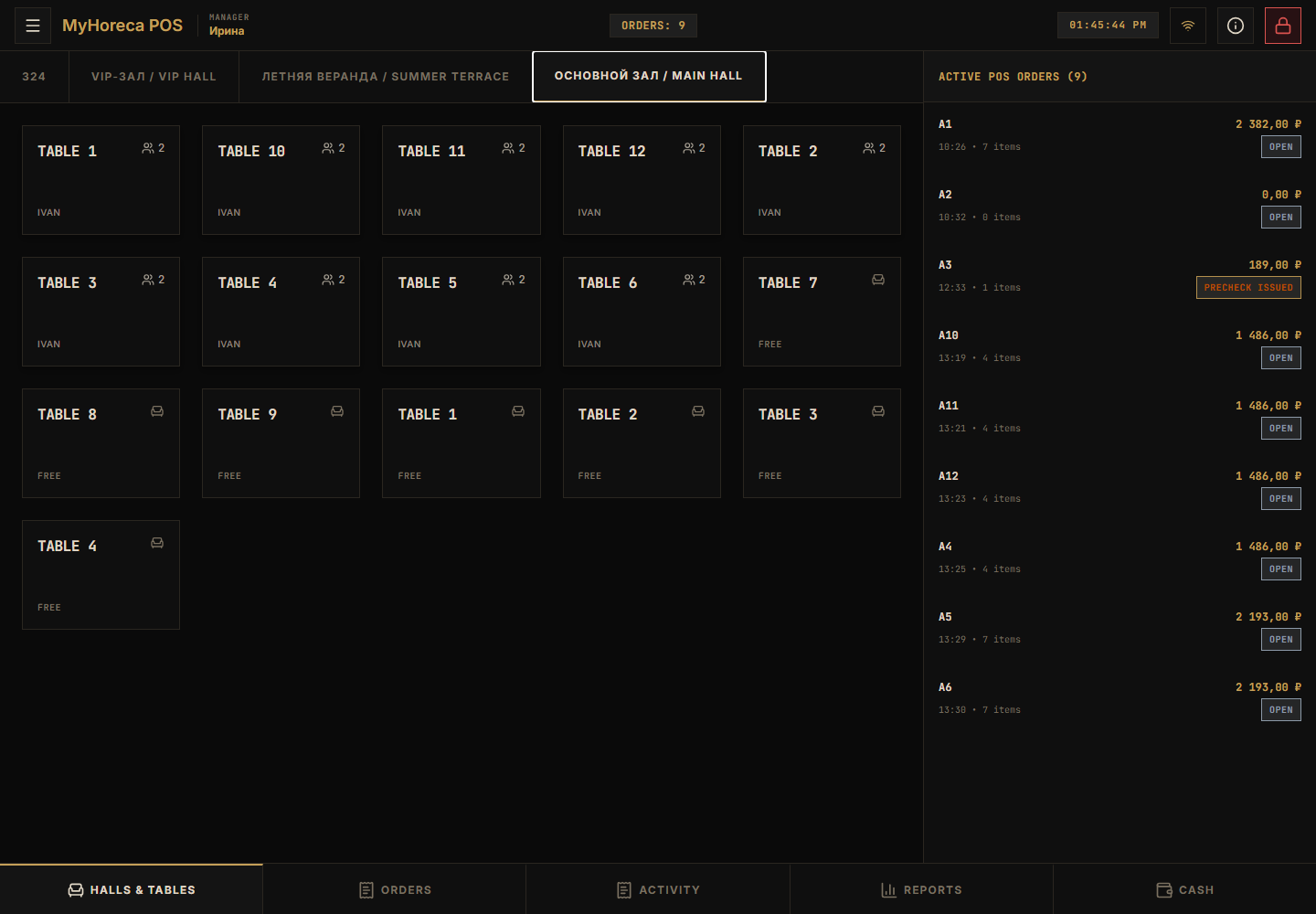
Step 3. Tap a table
Section titled “Step 3. Tap a table”Free tables are usually marked FREE.
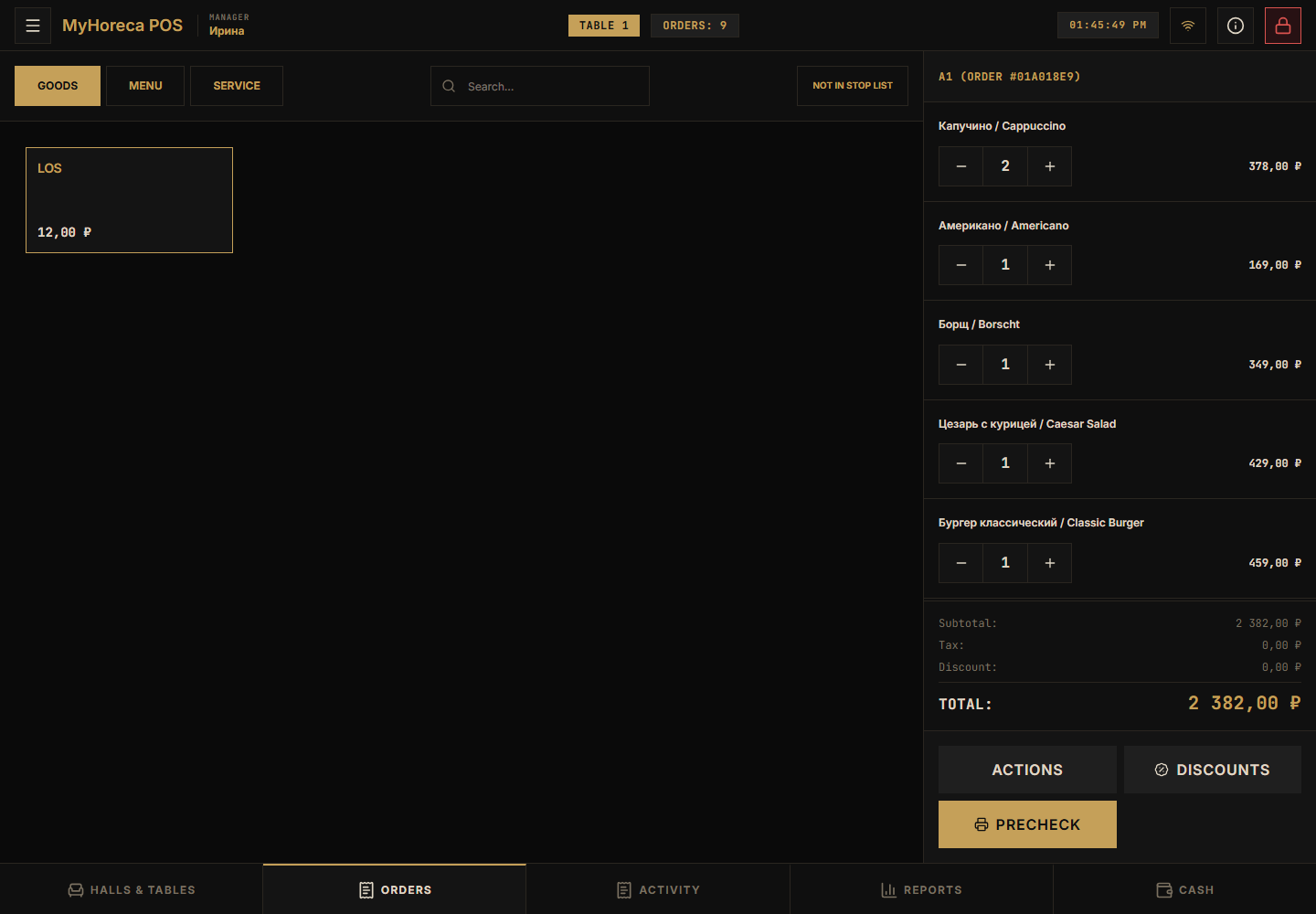
Then add items to that table order.
If it fails
Section titled “If it fails”- no tables — table mode off or sync pending;
- cannot open order — open your personal shift first.