New tables and dishes on the POS
Cashiers do not draw tables or create dishes on the POS.
A manager does that in Cloud (office in the browser). Then the POS pulls the data.
Tables on the POS — how they look
Section titled “Tables on the POS — how they look”Bottom bar: Halls and tables. Halls on top, tables as cards:
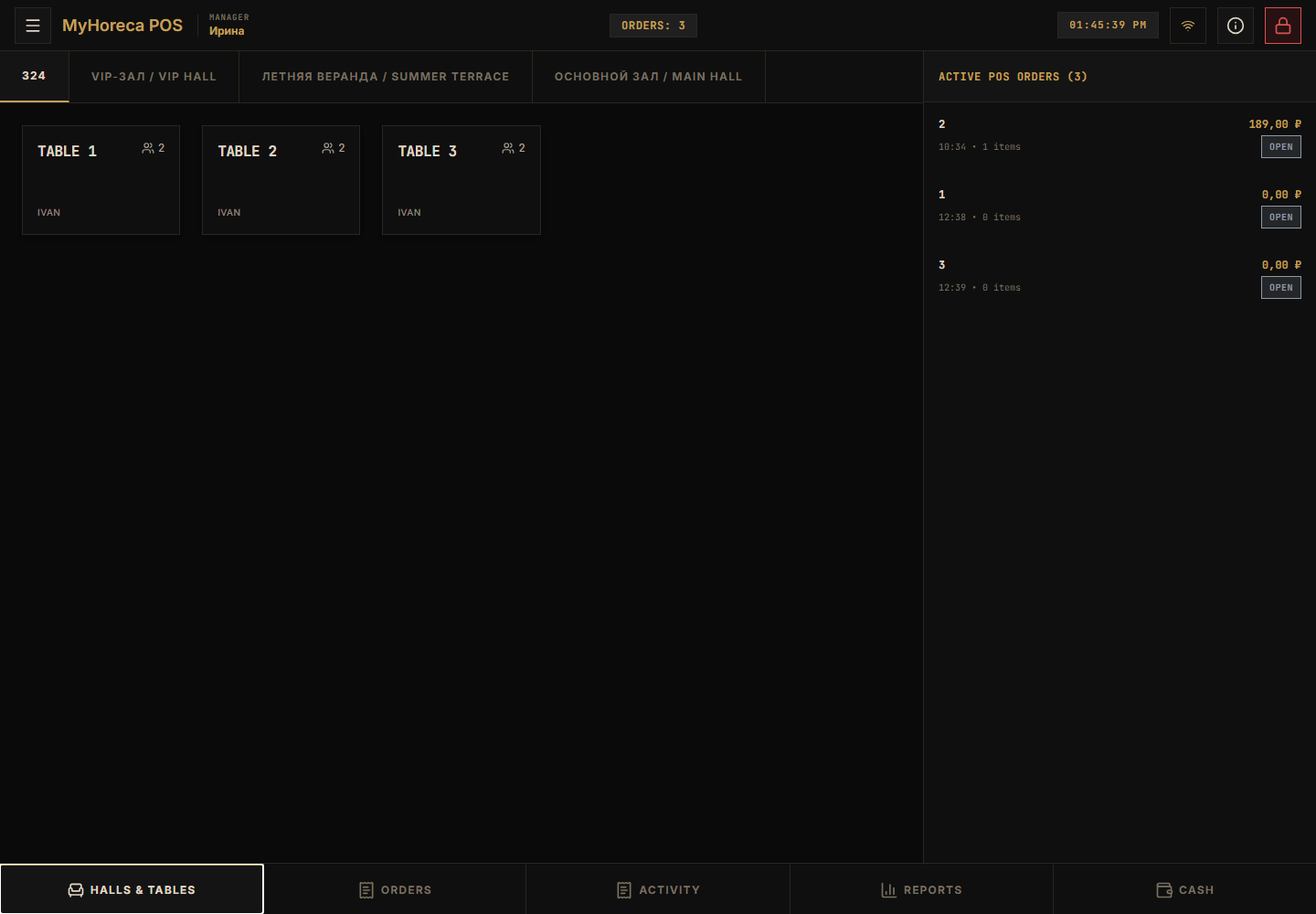
If tables are missing — wait, or ask a manager to check Cloud.
Dishes on the POS — how they look
Section titled “Dishes on the POS — how they look”Open an order → Menu. Search and add:
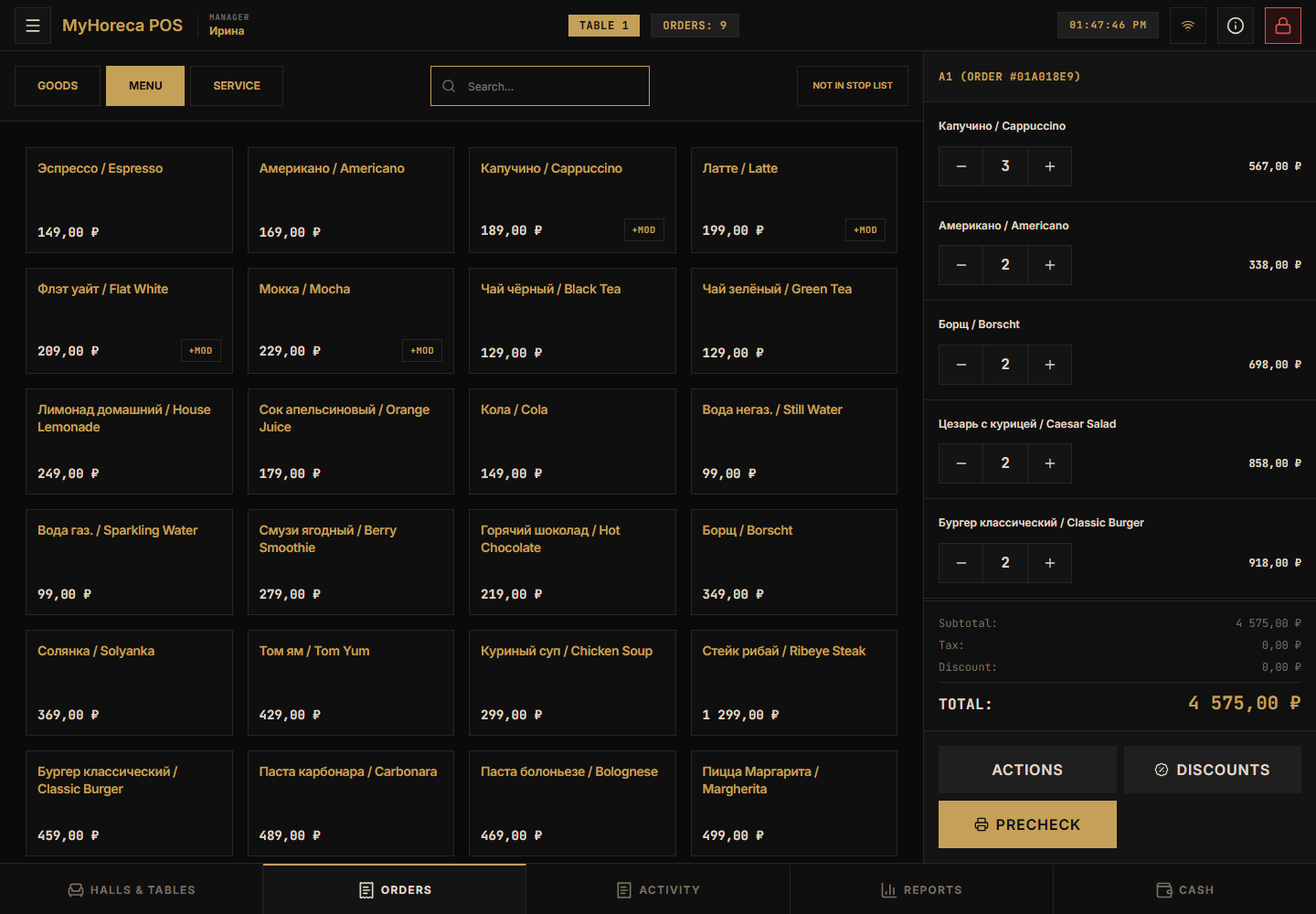
If you see “nothing found”
Section titled “If you see “nothing found””- Check internet (connection icon).
- Wait 1–2 minutes.
- Close the order and open again.
- Call a manager — the dish may not be on the menu or has no price yet.
More FAQ: Common questions.