POS settings
The POS is not only sales. There is also Settings in the left menu.
Usually a manager / support opens it — not every cashier every day.
How to open
Section titled “How to open”- Sign in with PIN.
- Tap the menu button top-left.
- Choose Settings.
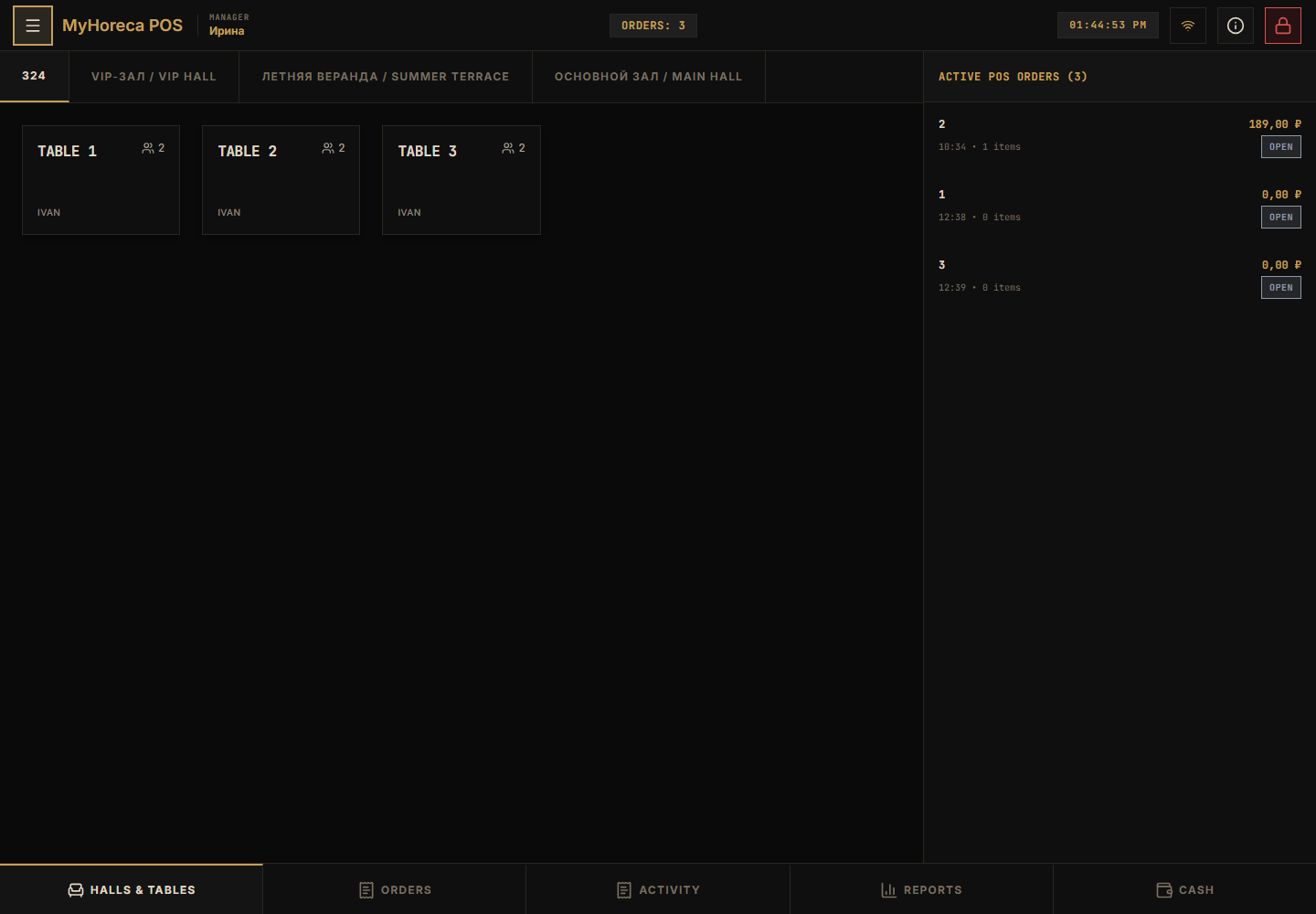
You may also see:
- POS terminal — normal cashier mode;
- KDS terminal — kitchen;
- Documents;
- Mobile access — QR for tablets;
- Settings — this page.
Print tab
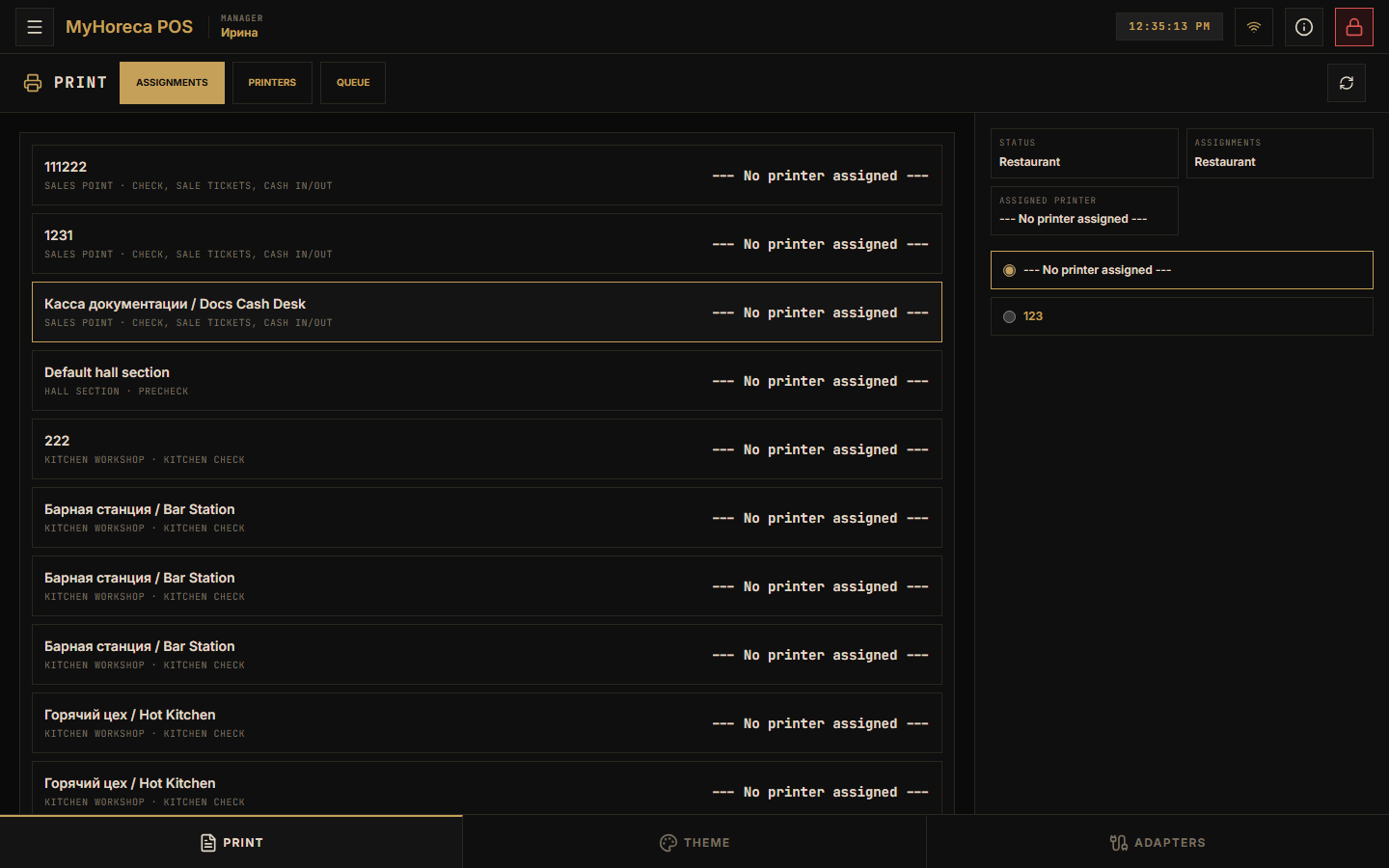
Section titled “Print tab”Printer assignments: which printer prints the check / precheck.
Theme tab
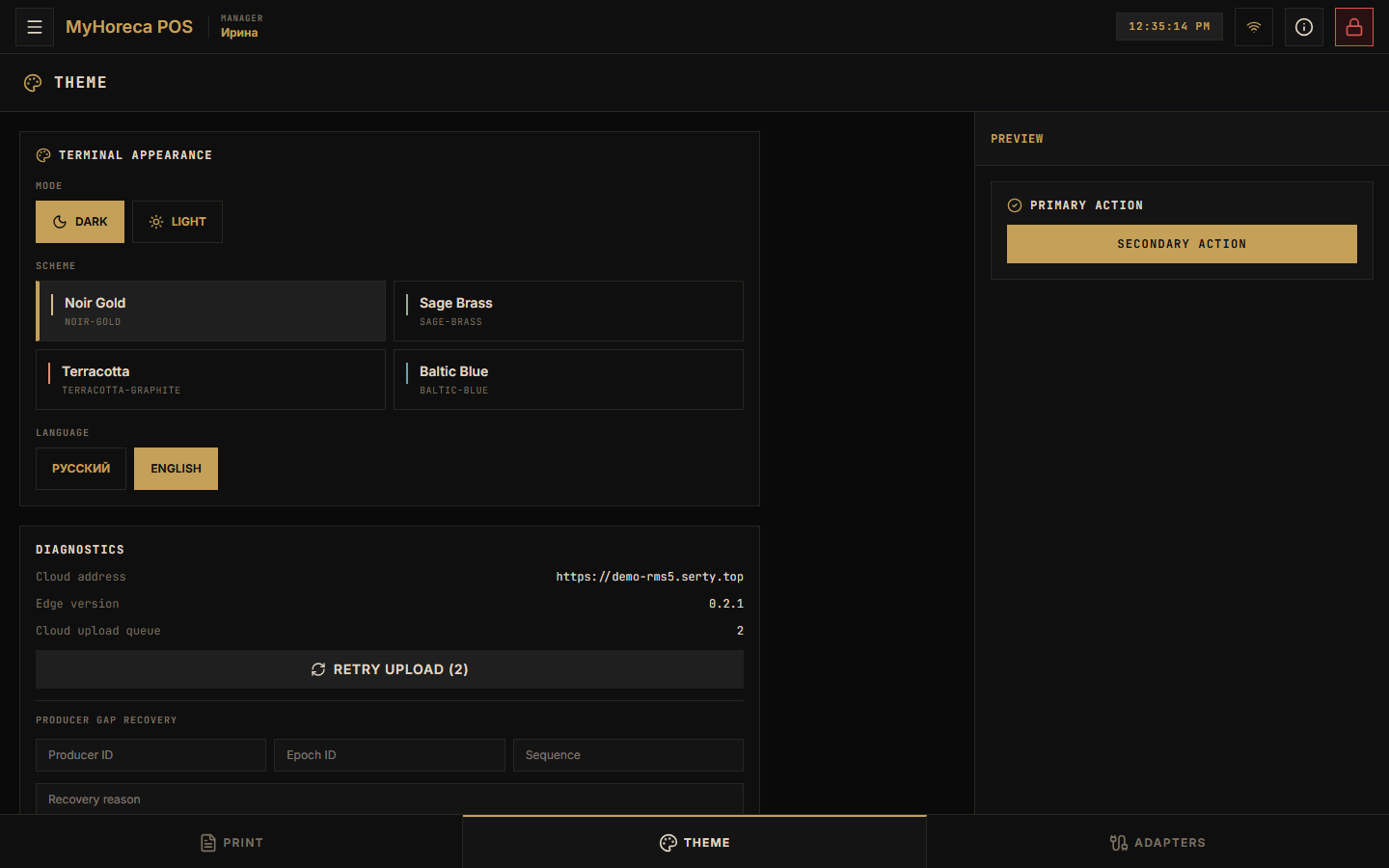
Section titled “Theme tab”Light / dark theme.
Adapters tab
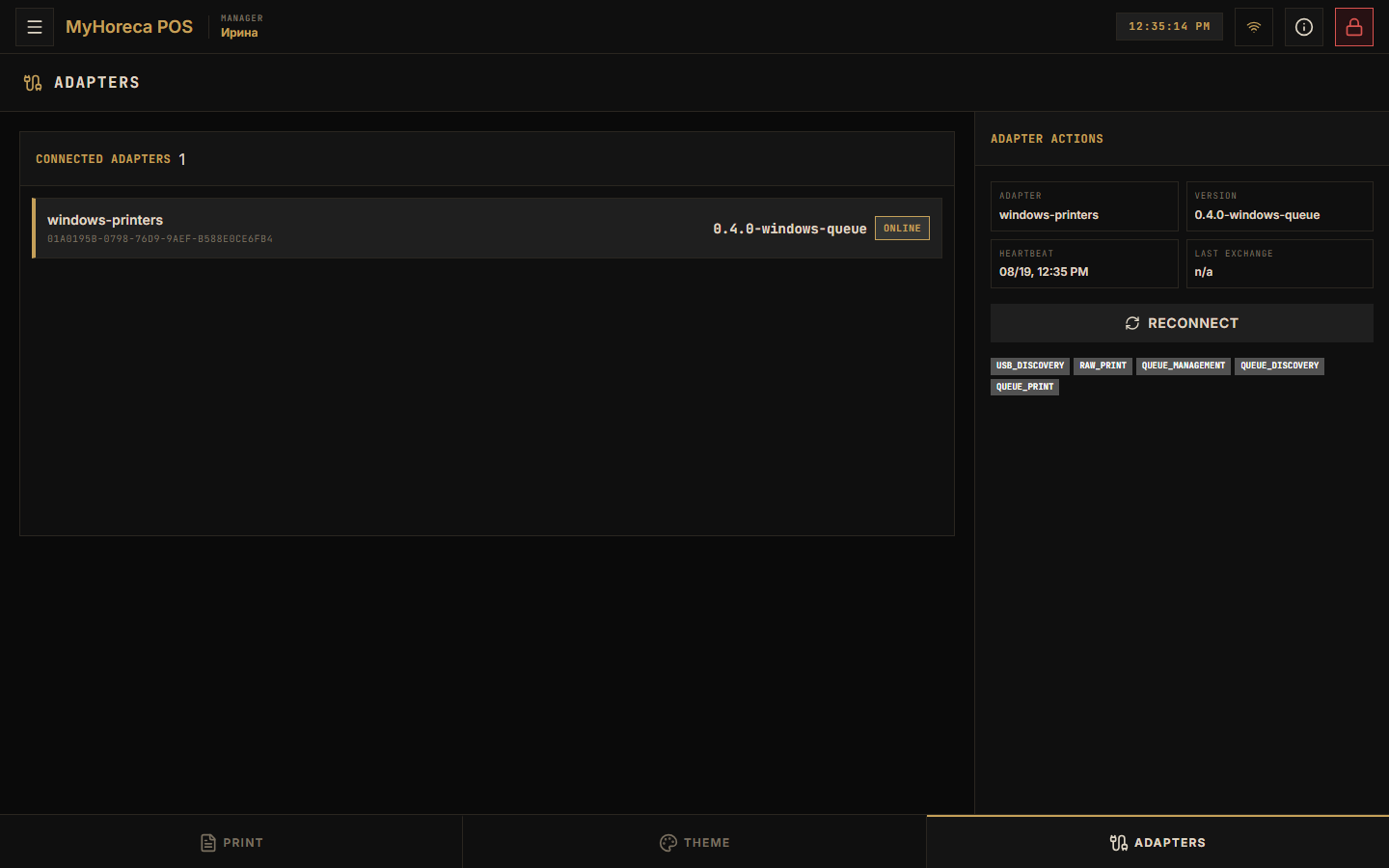
Section titled “Adapters tab”Service link to Windows printers and similar services.
The Service tab in an order is different
Section titled “The Service tab in an order is different”In the order screen, Service next to Menu / Goods is not settings — it is sellable service items.
See also: Sell an item.