Cashier work
This page is only for the Cashier role.
Read slowly. Follow the steps.
Where to sign in
Section titled “Where to sign in”- Open the POS app at the counter → open the POS.
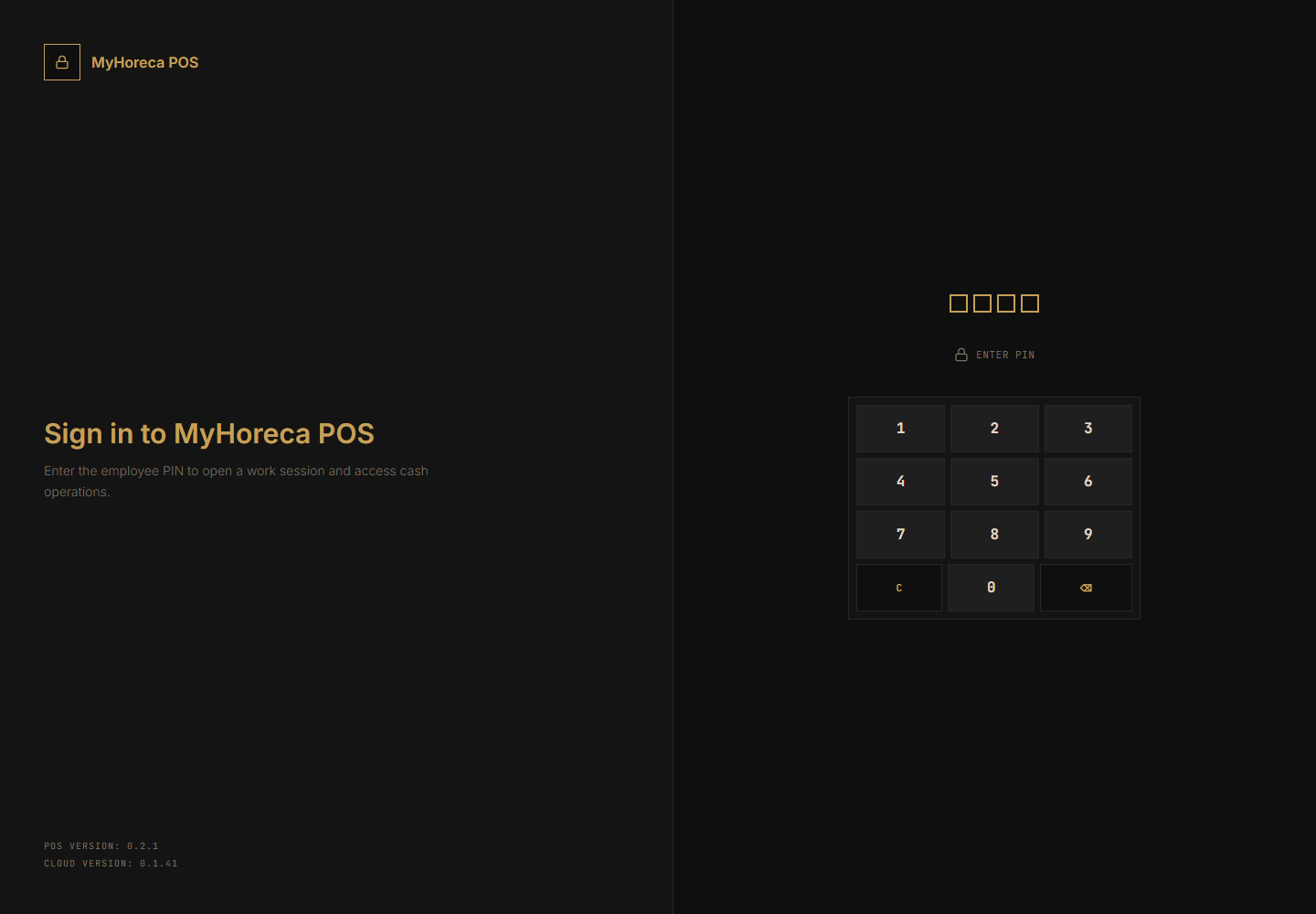
- Enter your PIN → sign in with PIN.
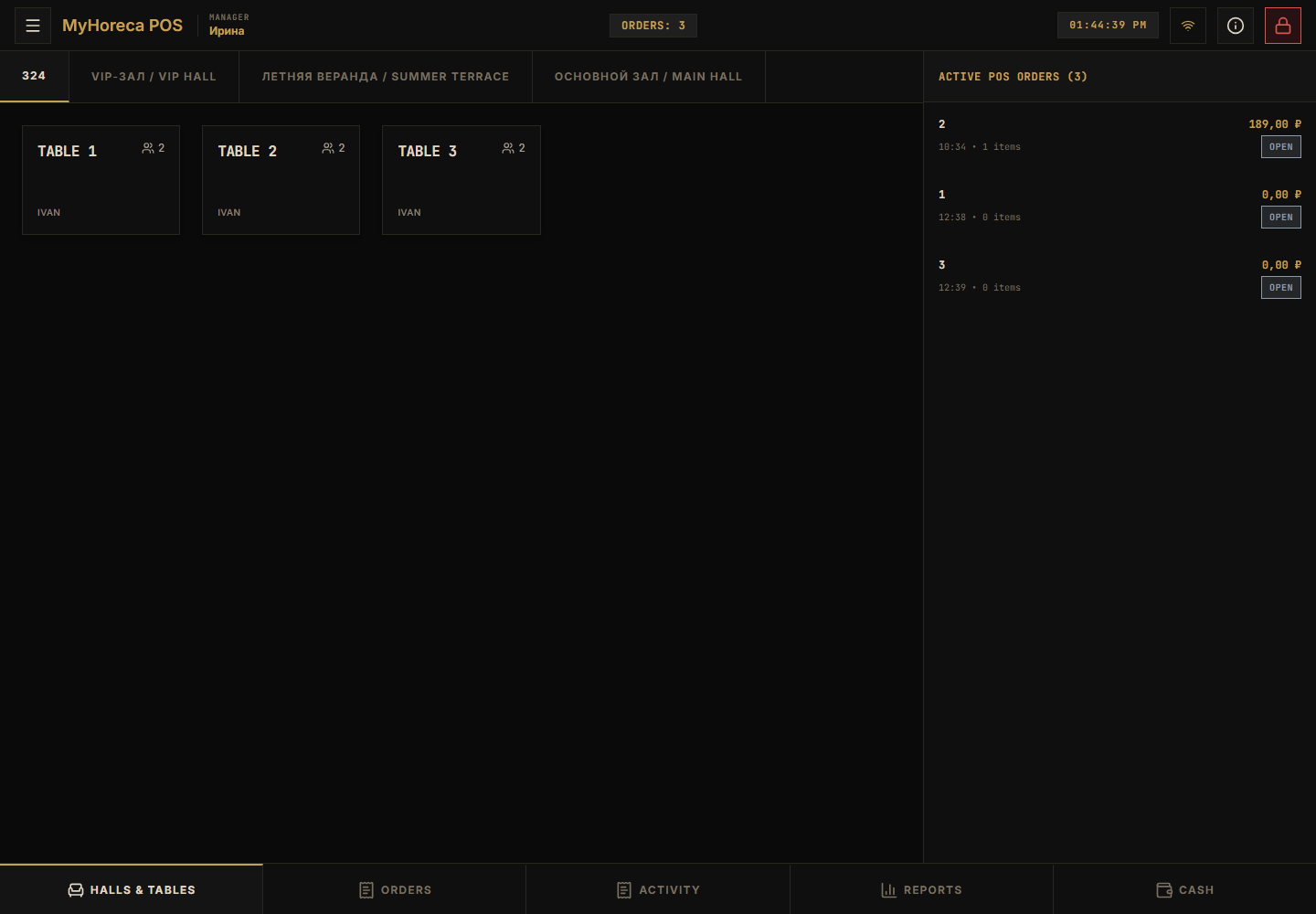
- Open your personal shift.
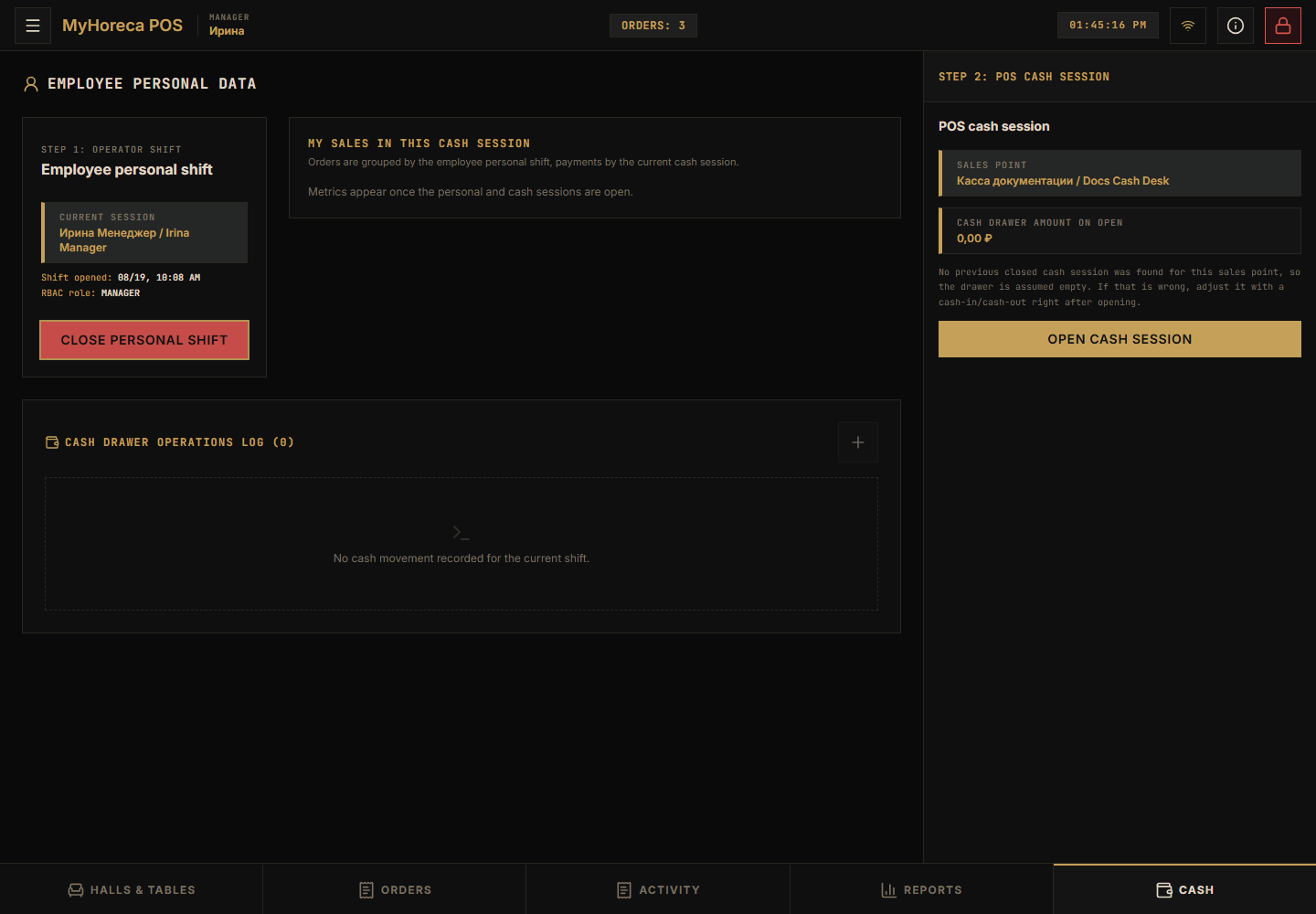
- Tap Cash at the bottom and open a cash session if needed → open cash session.
What a cashier can do
Section titled “What a cashier can do”| Action | Where |
|---|---|
| Sell an item | Table or quick order → menu → add → pay |
| Precheck | Precheck in the order |
| Cash / card payment | Yellow Cash button on the right of the order |
| Open personal shift | After PIN |
| Open cash session | Bottom Cash tab |
Full sell flow: Sell an item.
Short sell path
Section titled “Short sell path”- Choose a table if you use halls → choose a table.
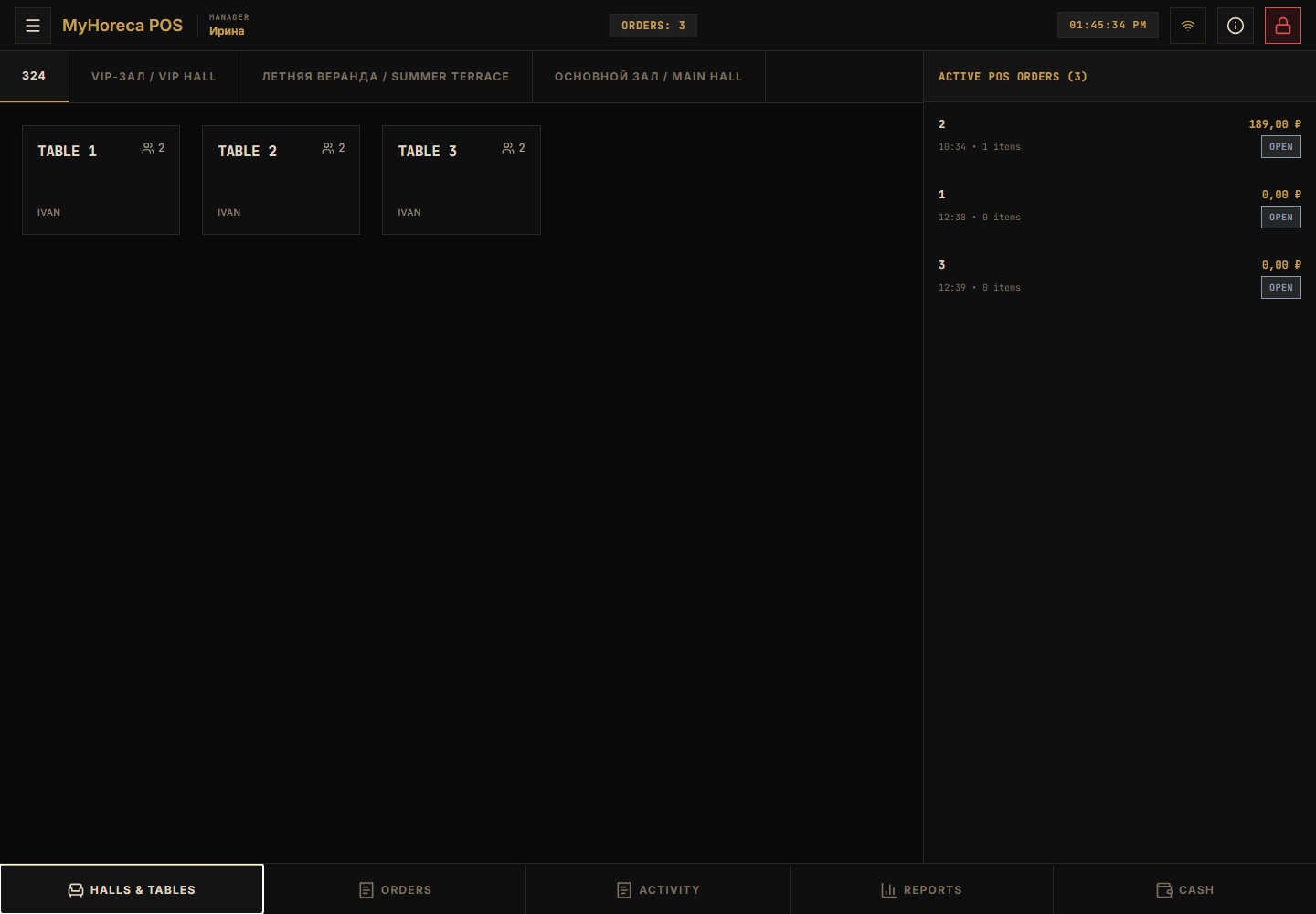
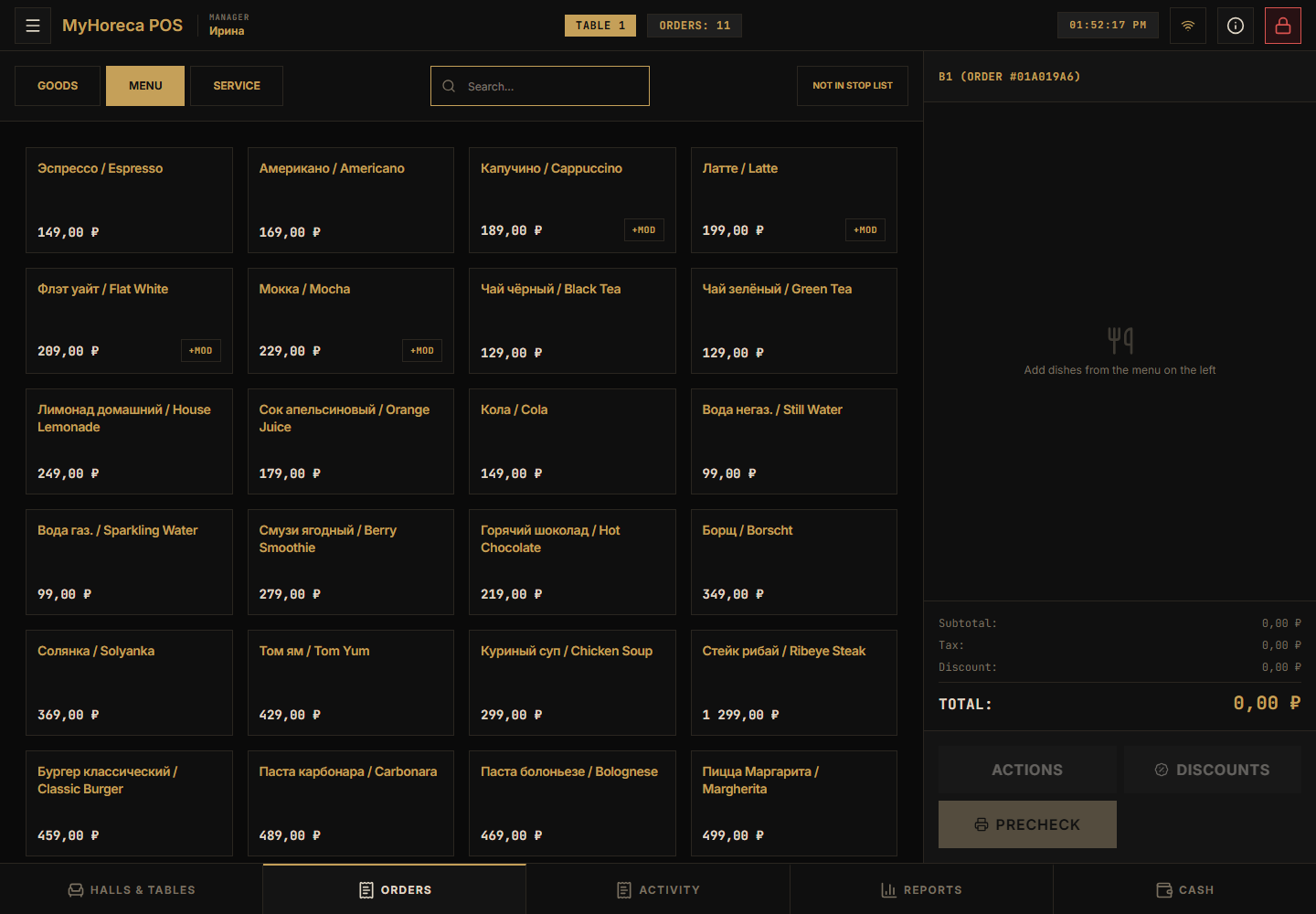
- Open the order, find the dish, add it.
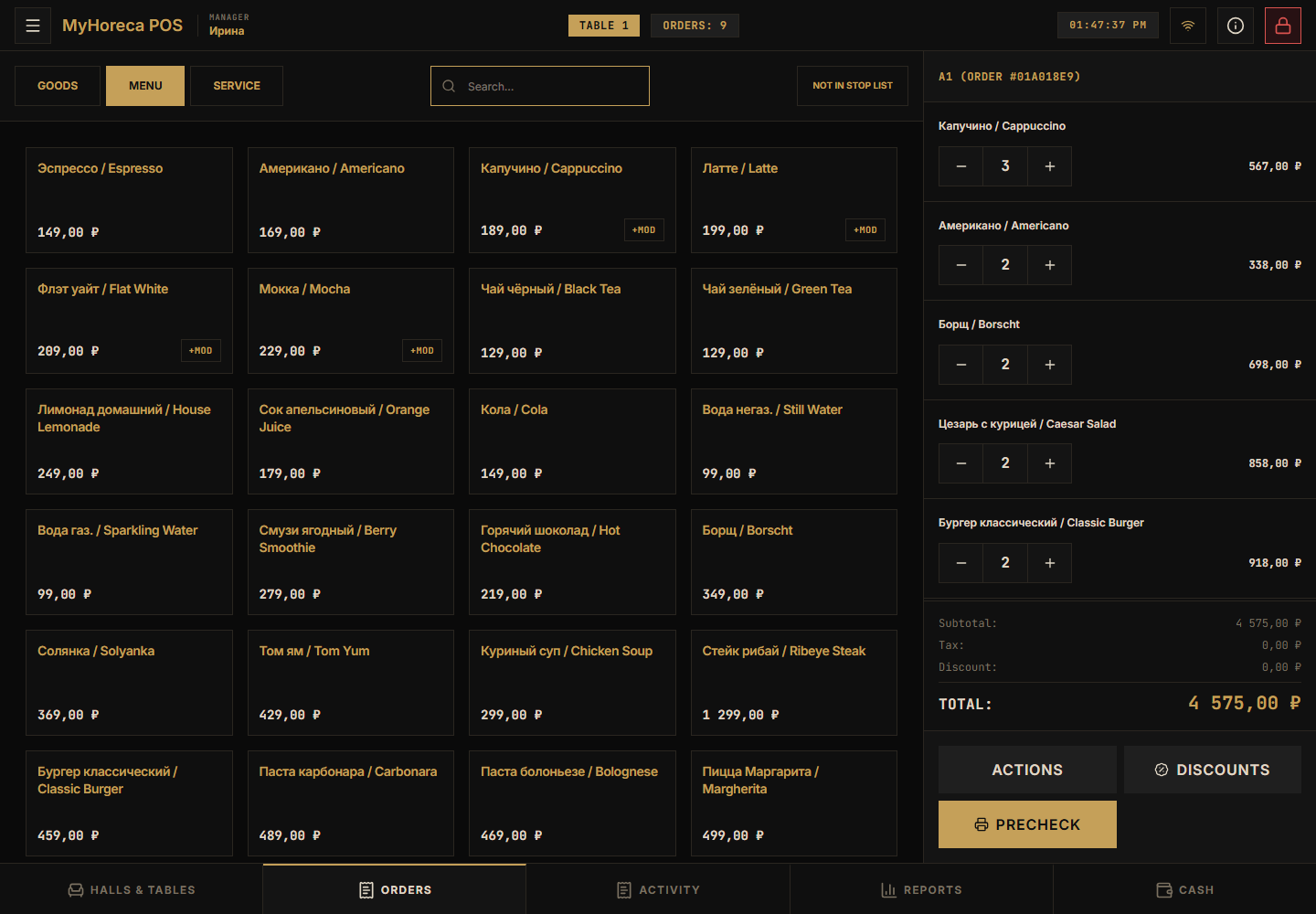
- Precheck if needed.
- Pay: yellow Cash on the right → Cash / Card.
What a cashier usually CANNOT do
Section titled “What a cashier usually CANNOT do”- close the cash session — call senior cashier / manager;
- refunds — call senior / manager;
- work as a cook on the kitchen screen;
- check tickets at the entrance;
- edit menu and people in Cloud.
That is not a bug. That is the role.
End of shift
Section titled “End of shift”- Close your personal shift → close personal shift.
- Do not close the cash session yourself if you have no right — hand it to senior.
If a button is missing
Section titled “If a button is missing”- Did you use your PIN?
- Is personal shift open?
- For payment — is cash session open?
- Still missing — call a manager. Do not use someone else’s PIN.
See also: who does what.