Senior cashier work
This page is only for the Senior cashier role.
Where to sign in
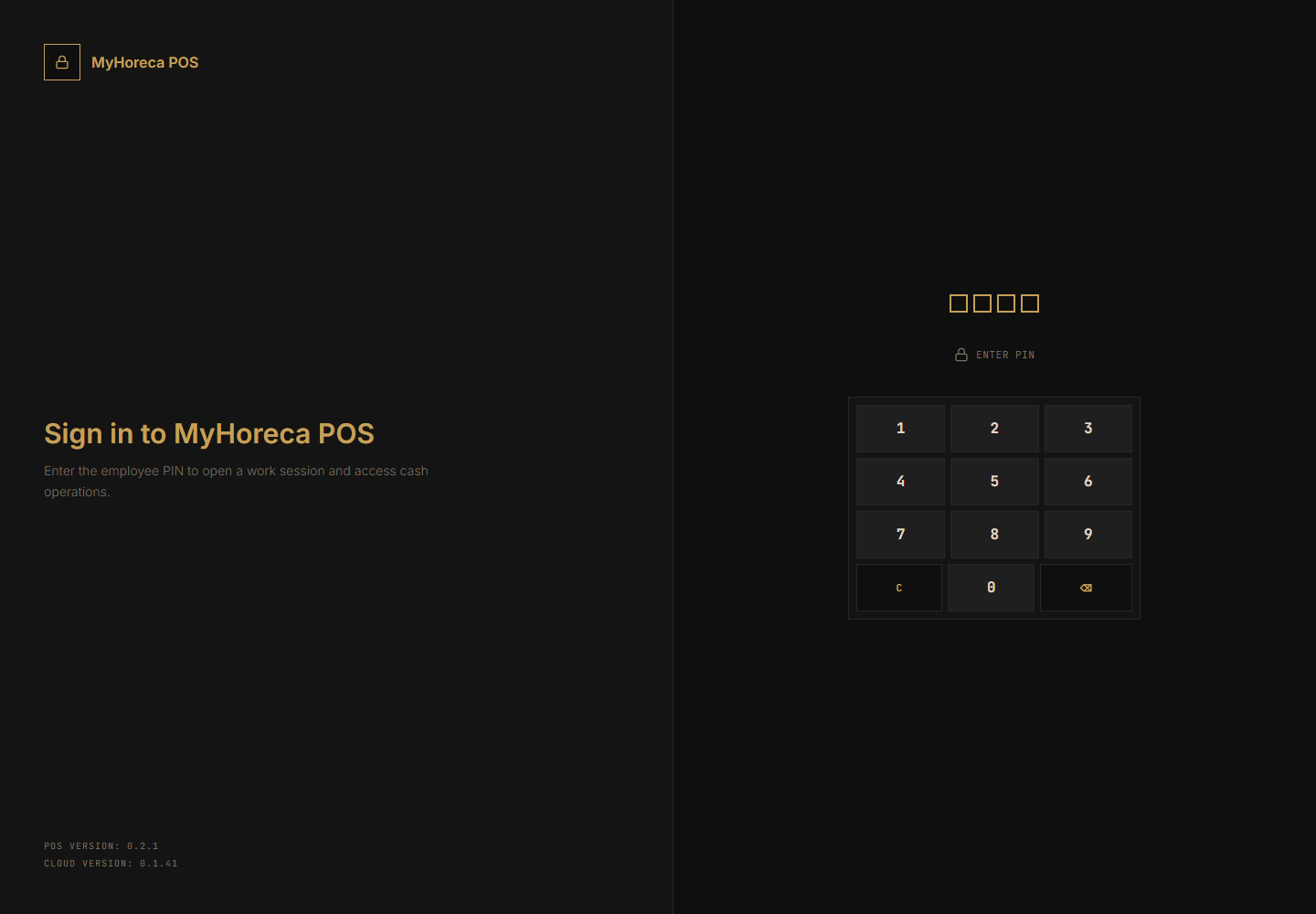
Section titled “Where to sign in”Same as cashier: POS computer → your PIN → personal shift.
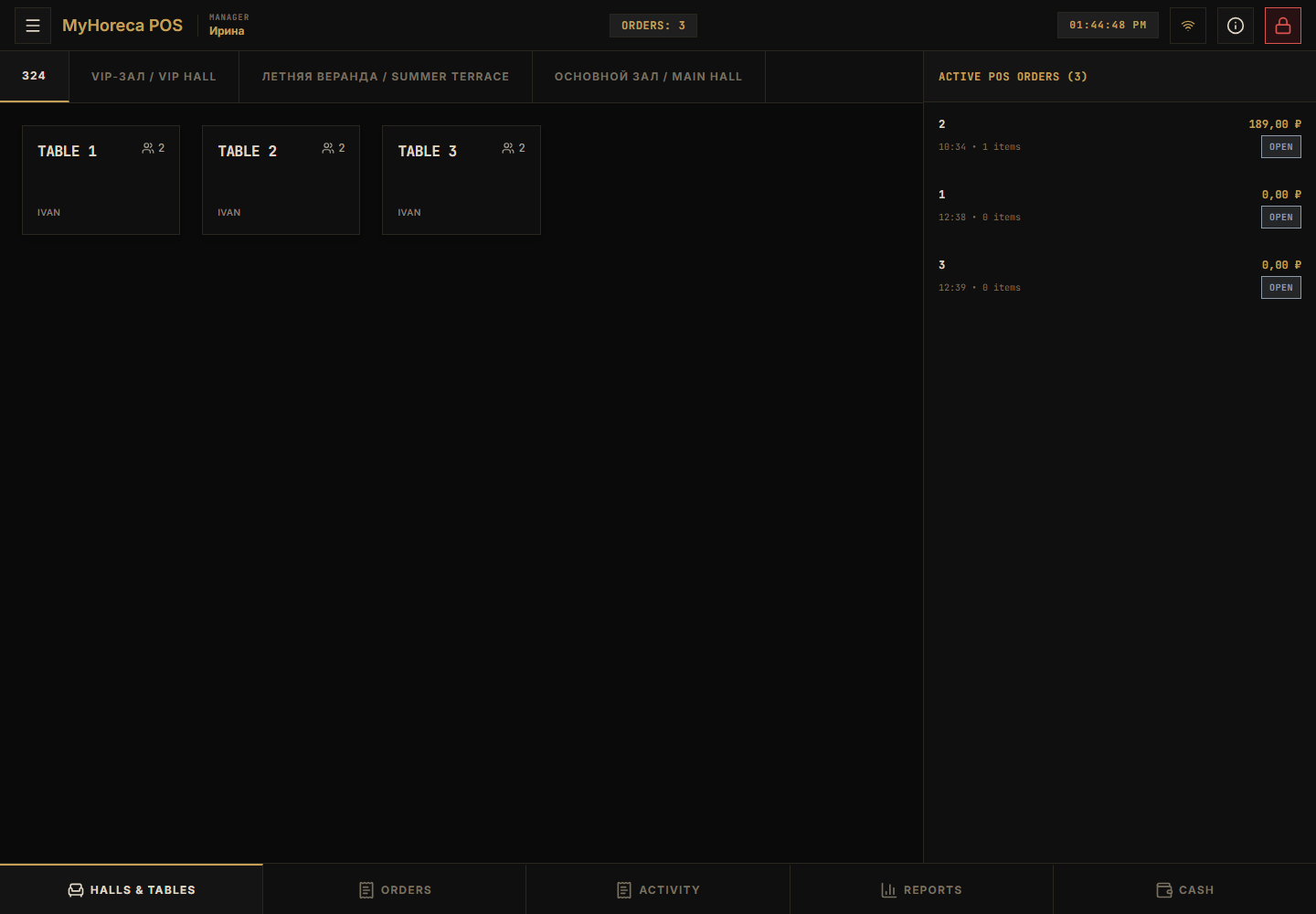
Daily sell flow: Sell an item
and Cashier work.
What a senior cashier can do (extra)
Section titled “What a senior cashier can do (extra)”| Action | Where |
|---|---|
| Everything a cashier can | Sell, pay, precheck |
| Close cash session | Bottom Cash → Close cash session |
| Refund | Where the screen shows refund / payment cancel |
| Precheck cancel request | If the guest changes mind after precheck |
Close cash session
Section titled “Close cash session”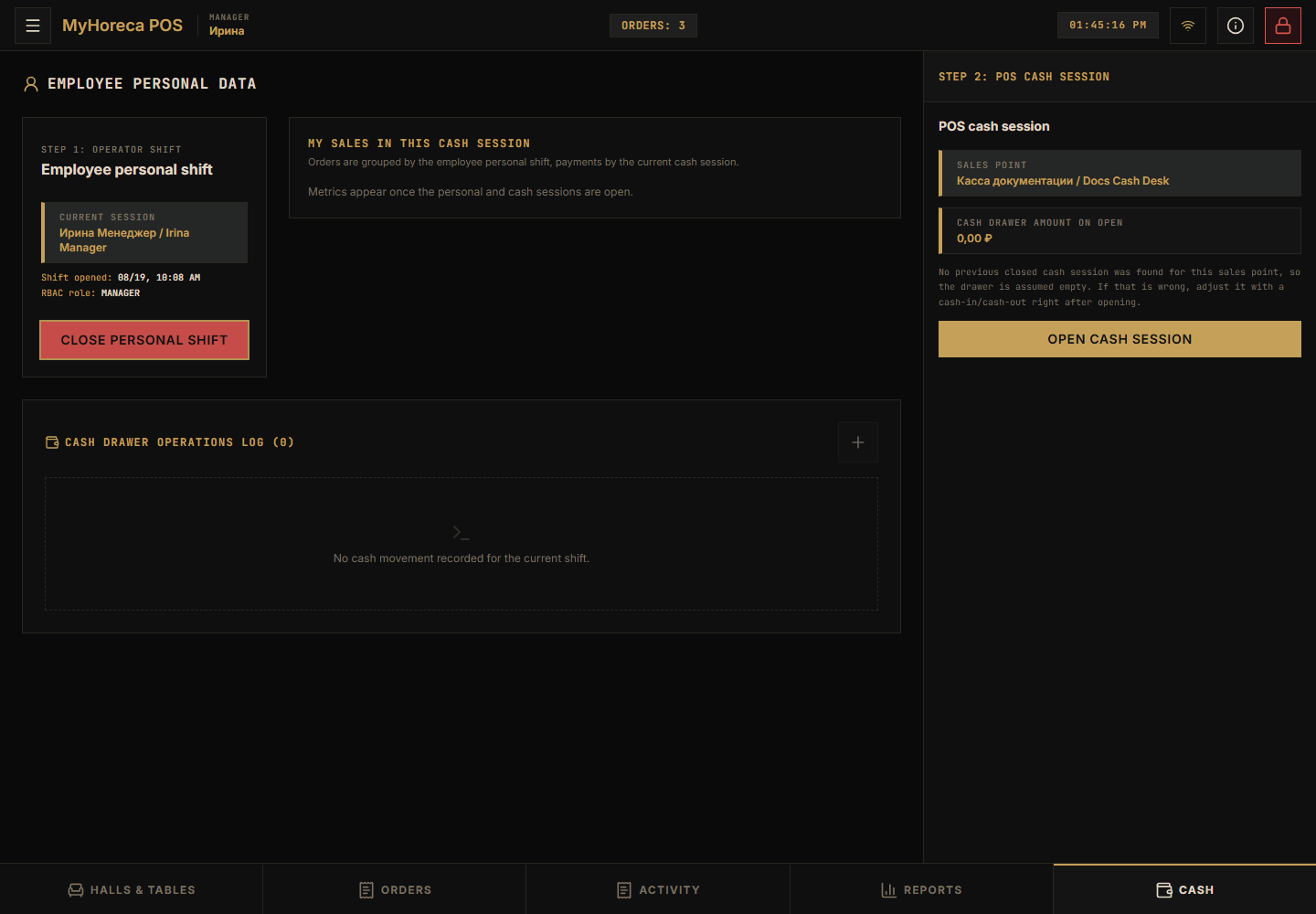
- Tap Cash at the bottom.
- Find Close cash session.
- Check the totals.
- Confirm.
More: close cash session.
Refund
Section titled “Refund”- Find the order / check.
- Choose refund as shown on screen.
- Confirm the amount.
- Print the refund document if asked.
No refund button — your role lacks it, or the order is not paid yet. Call a manager.
What a senior cashier usually does NOT do
Section titled “What a senior cashier usually does NOT do”- full-time kitchen cook work;
- entrance-only ticket checking;
- Cloud menu and stock setup (office / support admin).
End of day checklist
Section titled “End of day checklist”- Payments for the shift are done.
- Cash session is closed by you (or a manager).
- Personal shift closed → close personal shift.
If a button is missing
Section titled “If a button is missing”- “no permission” — not senior cashier, call manager;
- “no cash session” — open it first;
- do not use someone else’s PIN.
See also: who does what.