Support admin
This page is about the Support admin role.
Where they usually work
Section titled “Where they usually work”Cloud in the browser (office), not a waiter tablet.
There:
- employees and roles;
- menu and prices;
- halls and tables;
- connect a new cashier;
- stock / purchases (if enabled).
Office details live on the MyHoreca Cloud help portal.
If they open POS anyway
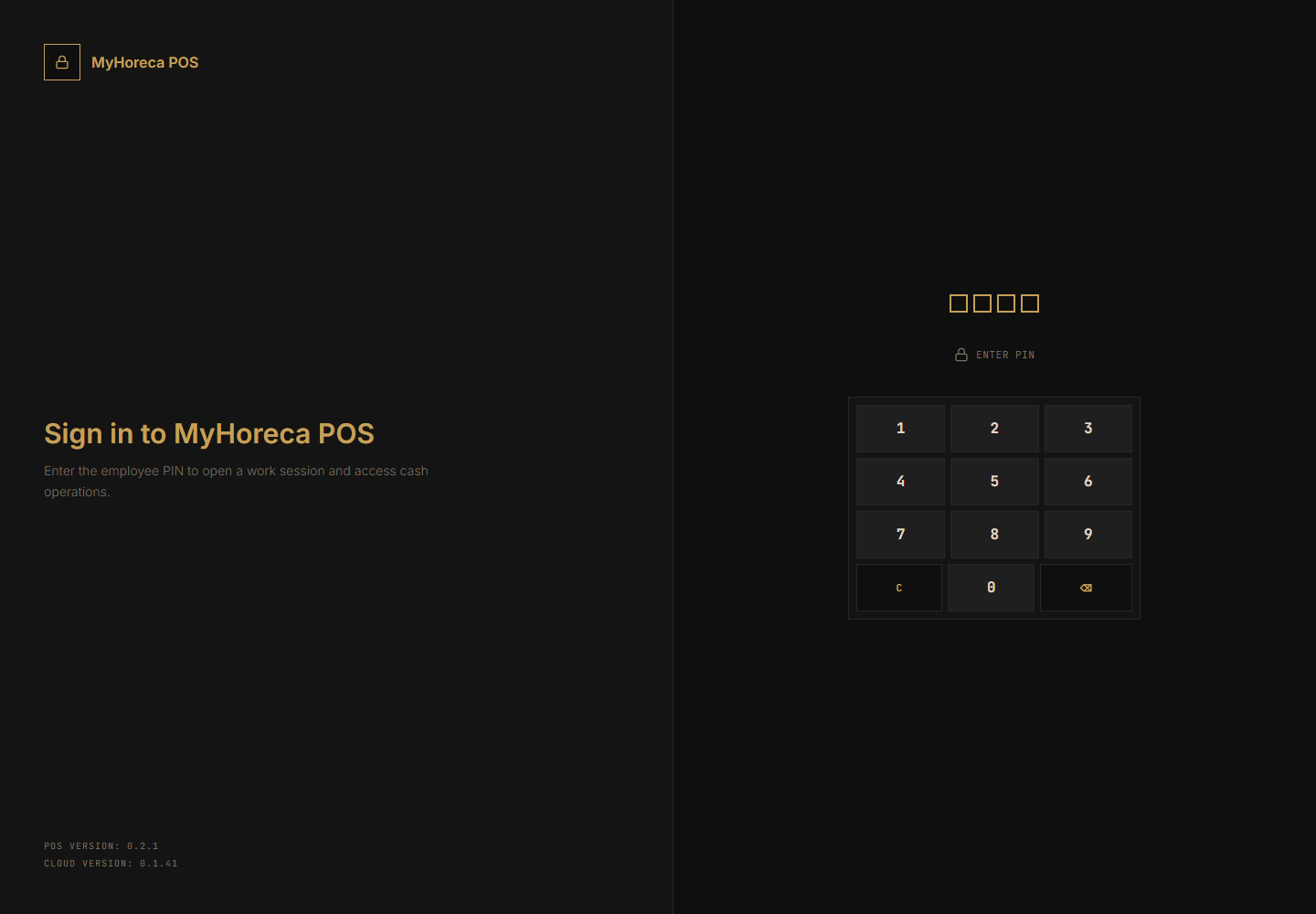
Section titled “If they open POS anyway”- POS computer → their PIN (if issued).
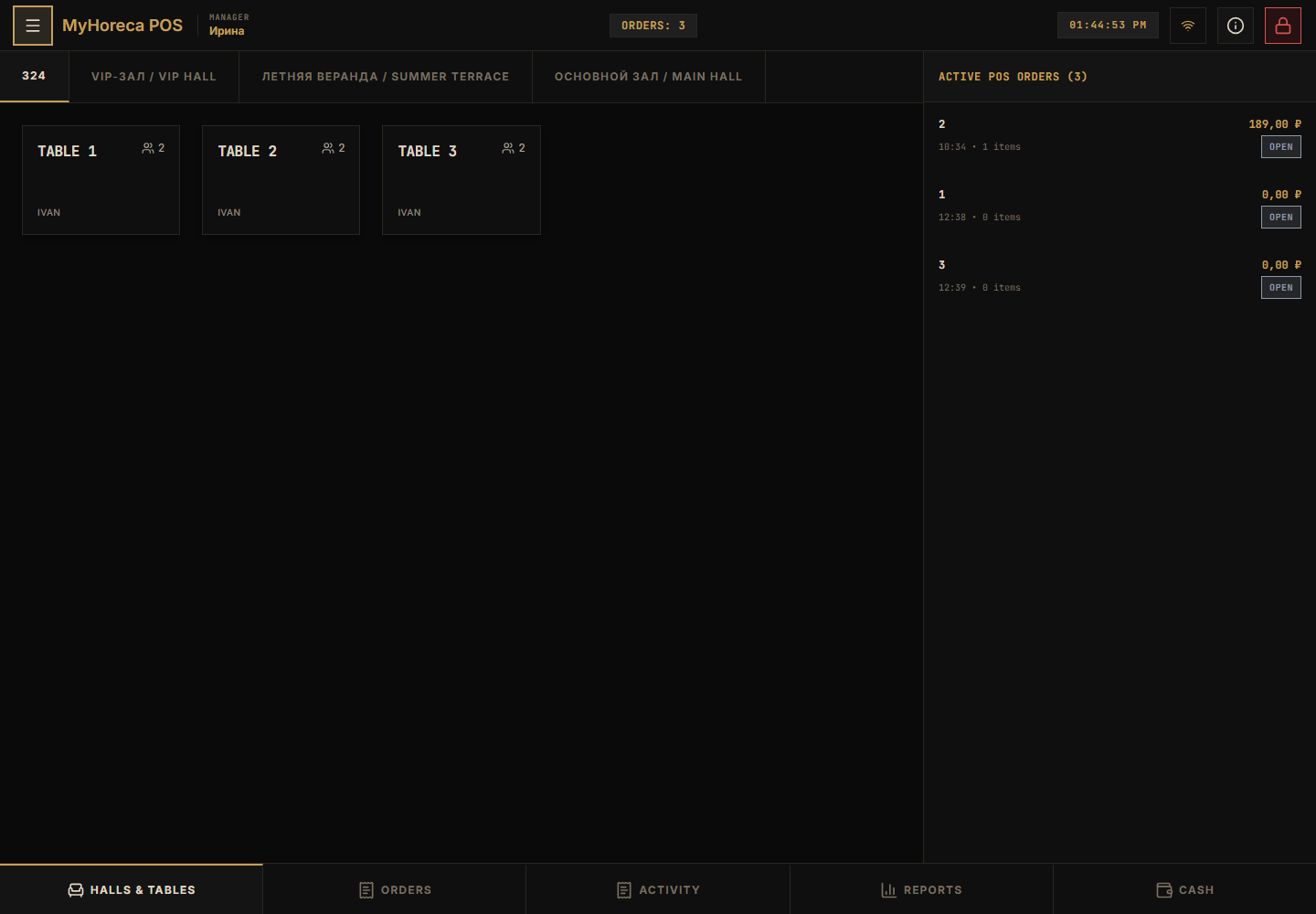
- They can check sales like a manager / cashier.
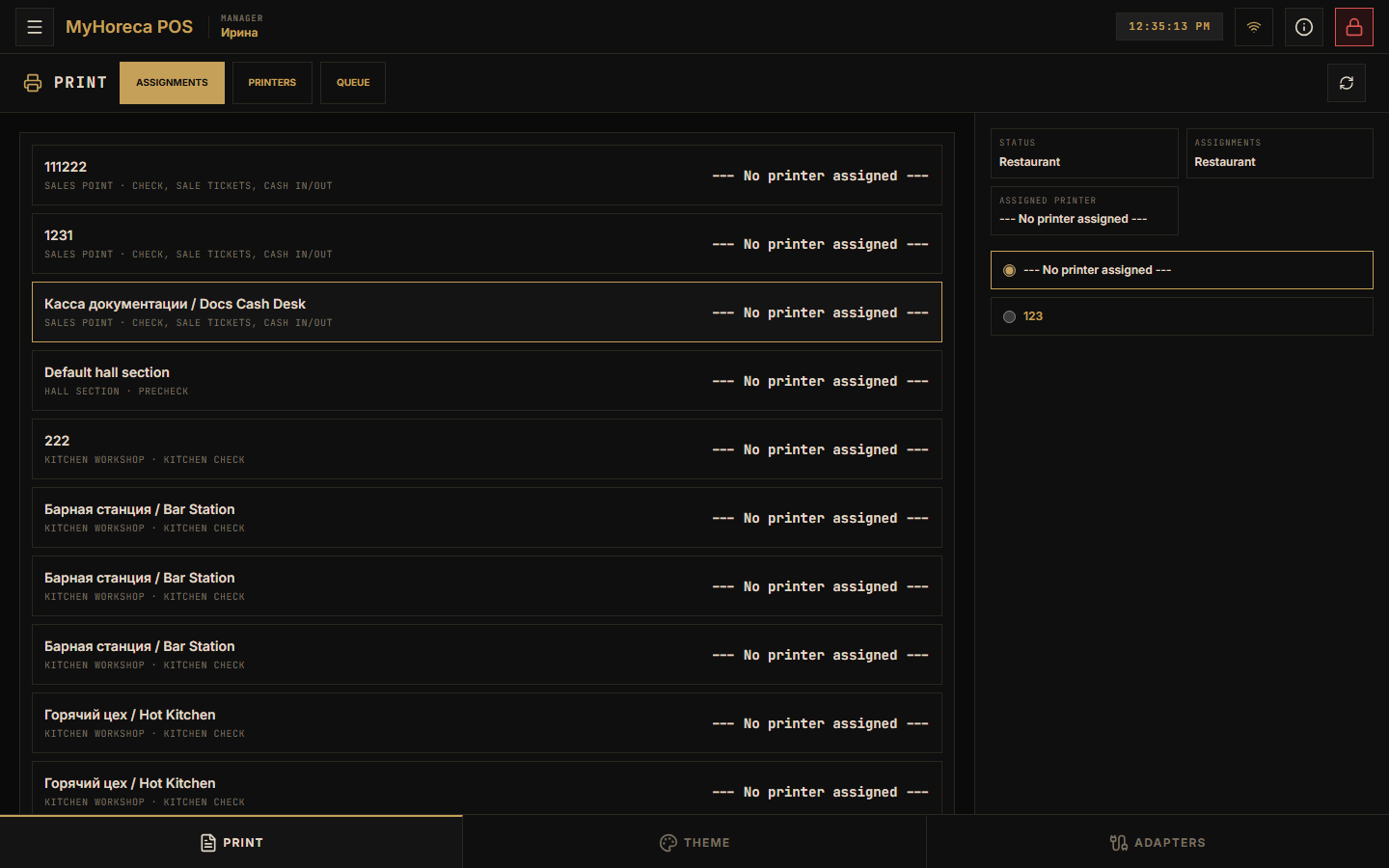
- They can open Settings (printers, theme).
What this role can do (overall)
Section titled “What this role can do (overall)”- almost everything in Cloud and on POS;
- sync diagnostics (support screens).
What you must NOT do with this role
Section titled “What you must NOT do with this role”- do not give it to a regular cashier / waiter / cook “just in case”;
- do not leave this login open on a shared POS.
Who this page is for
Section titled “Who this page is for”Owner, IT, head of operations.
Cashiers and waiters do not need this page — use cashier work and waiter.
See also: who does what.