Entrance checker work
This page is only for the Entrance checker role.
In Cloud the role name is Entrance checker.
Where to sign in
Section titled “Where to sign in”- Take the entrance device (tablet / phone) prepared by a manager.
- Open checker mode.
- Enter your PIN.
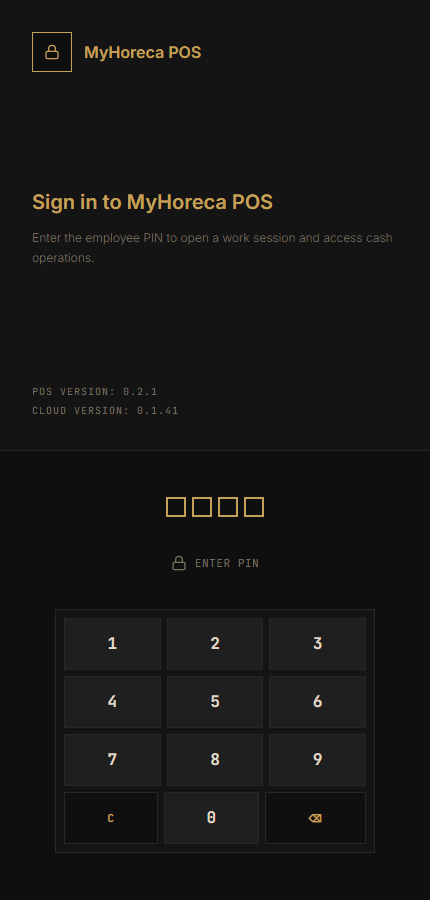
- Open your shift if asked.
- Select an entrance if there are several.
What a checker can do
Section titled “What a checker can do”| Action | How |
|---|---|
| Check a ticket | Scan or type |
| Allow / deny | Follow the system answer |
| Personal shift | Open / close yours |
| Change entrance | If offered |
Work screen
Section titled “Work screen”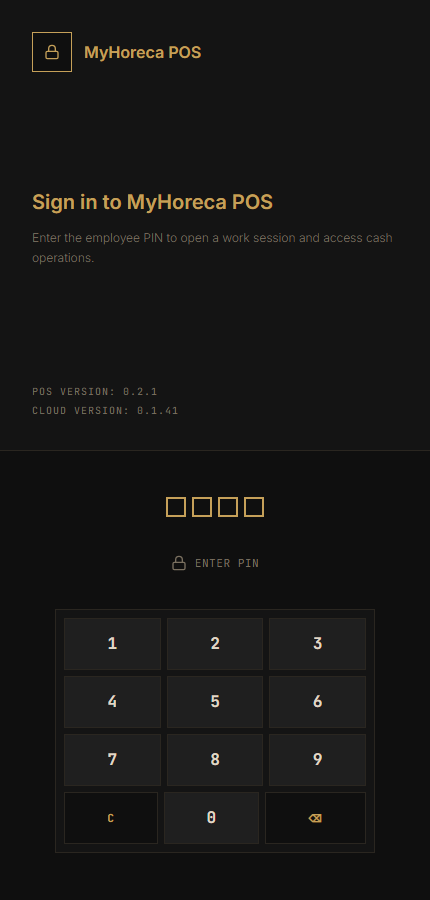
Scan or type
Section titled “Scan or type”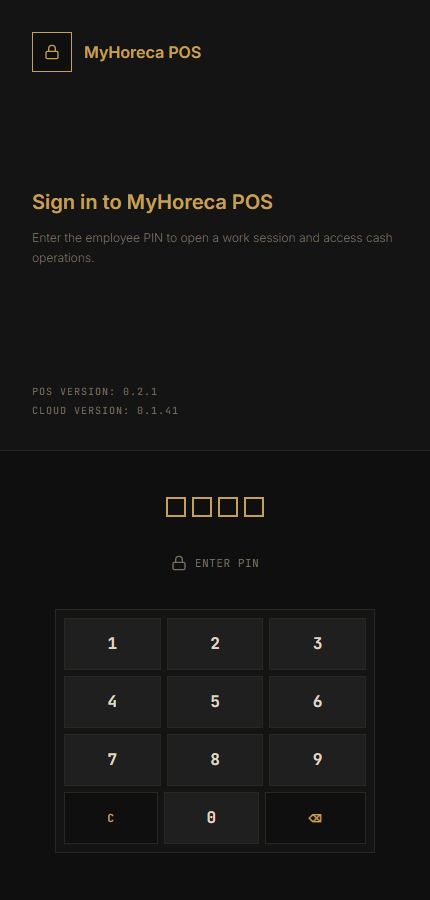
- Scan the code or type it.
- Wait for the answer.
- Allowed — let the guest in.
- Denied — do not let them in “by eye”; call a manager.
What a checker usually CANNOT do
Section titled “What a checker usually CANNOT do”- orders and tables;
- payment and cash session;
- kitchen;
- Cloud menu setup.
End of shift
Section titled “End of shift”Close your personal shift. Do not leave the login open on a shared tablet.
If it fails
Section titled “If it fails”- wrong device — ask a manager (need checker mobile access);
- code will not scan — type it;
- system denied — do not override without a manager;
- your PIN only.
See also: who does what.