Remove an item from an order
Do this before payment. After payment it is a refund (senior cashier / manager).
Step 1. Open the order
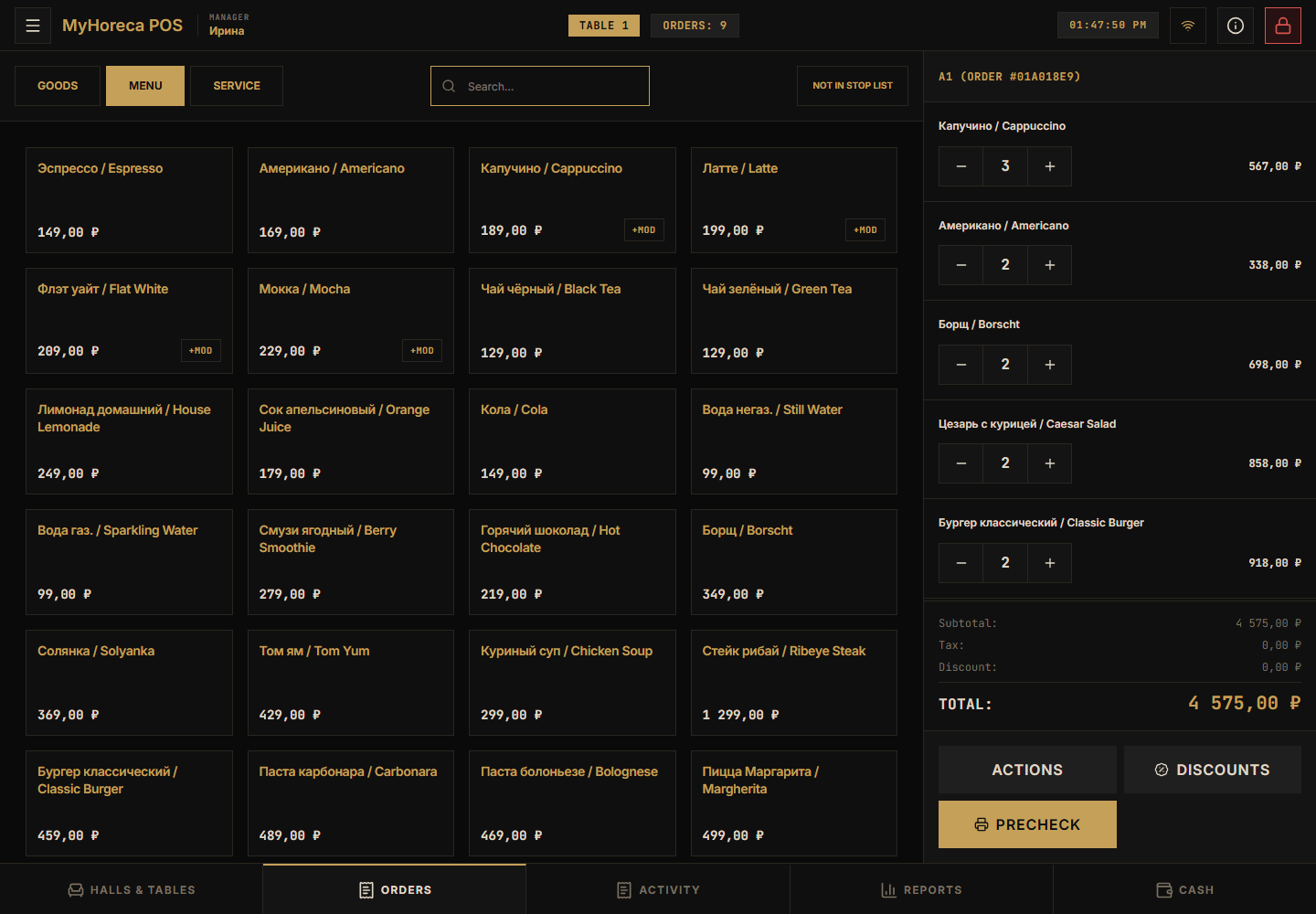
Section titled “Step 1. Open the order”Open the table / order. Menu on the left, lines on the right:
Step 2. Find the unwanted line
Section titled “Step 2. Find the unwanted line”In the right column find the dish to remove.
Step 3. Remove or decrease
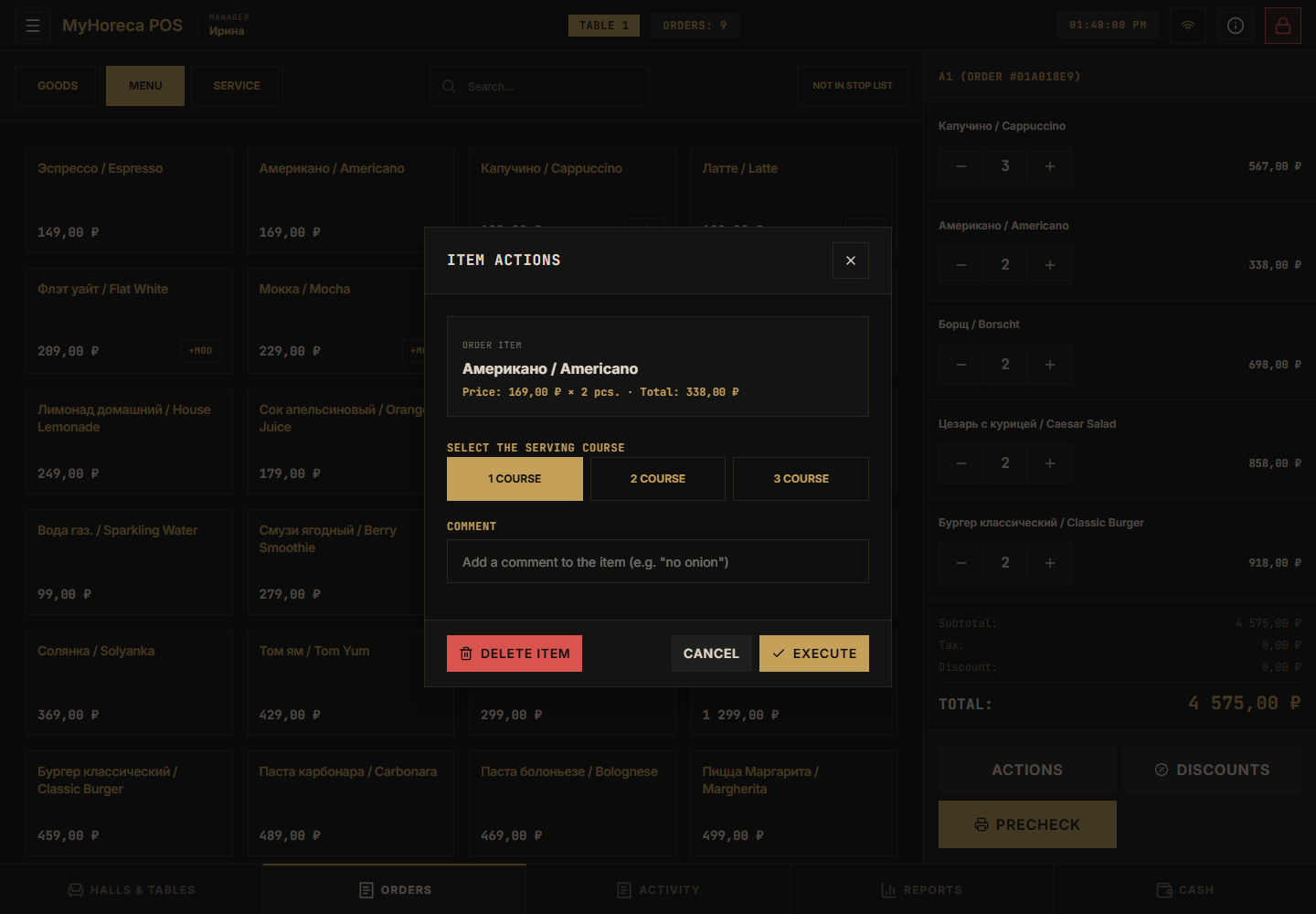
Section titled “Step 3. Remove or decrease”- Tap − on the line (decrease quantity).
- Or delete / Void as the screen shows (sometimes under Actions).
- If POS asks for a manager PIN — call a manager. Do not use someone else’s PIN.
What not to do
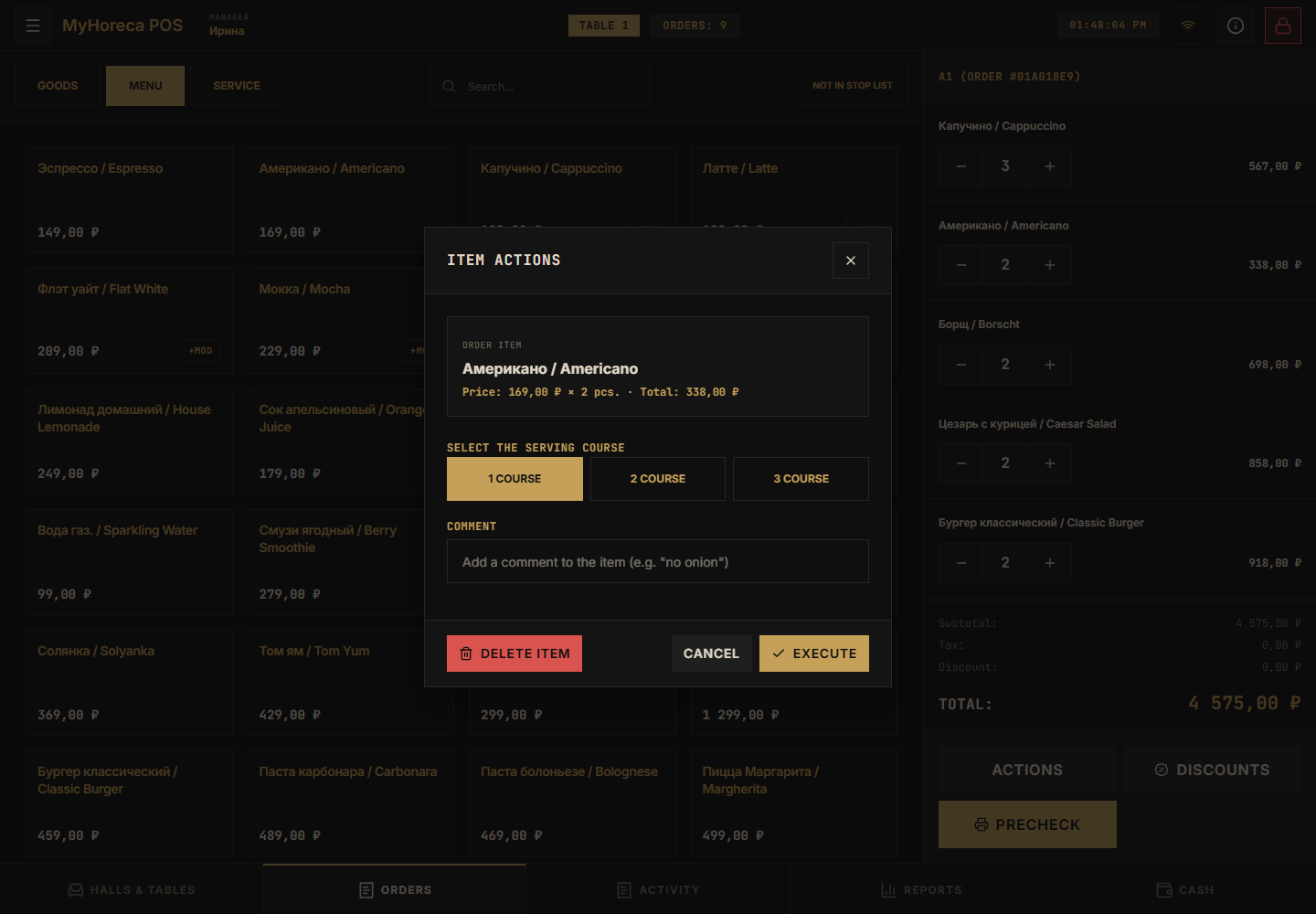
Section titled “What not to do”- do not remove lines “for fun” without permission;
- after payment you cannot “quietly erase” — that needs a refund, not void.
If it fails
Section titled “If it fails”- no − / grey — no permission, or the order already has a precheck / payment;
- asks for a manager — normal, call them;
- cancel the whole order — also via a manager.
See also: Sell an item, Manager work.