Sell an item
For the cashier. Go slowly to the end.
Before you start
Section titled “Before you start”- signed in with your PIN;
- personal shift is open;
- payment needs an open cash session.
Step 1. Open an order
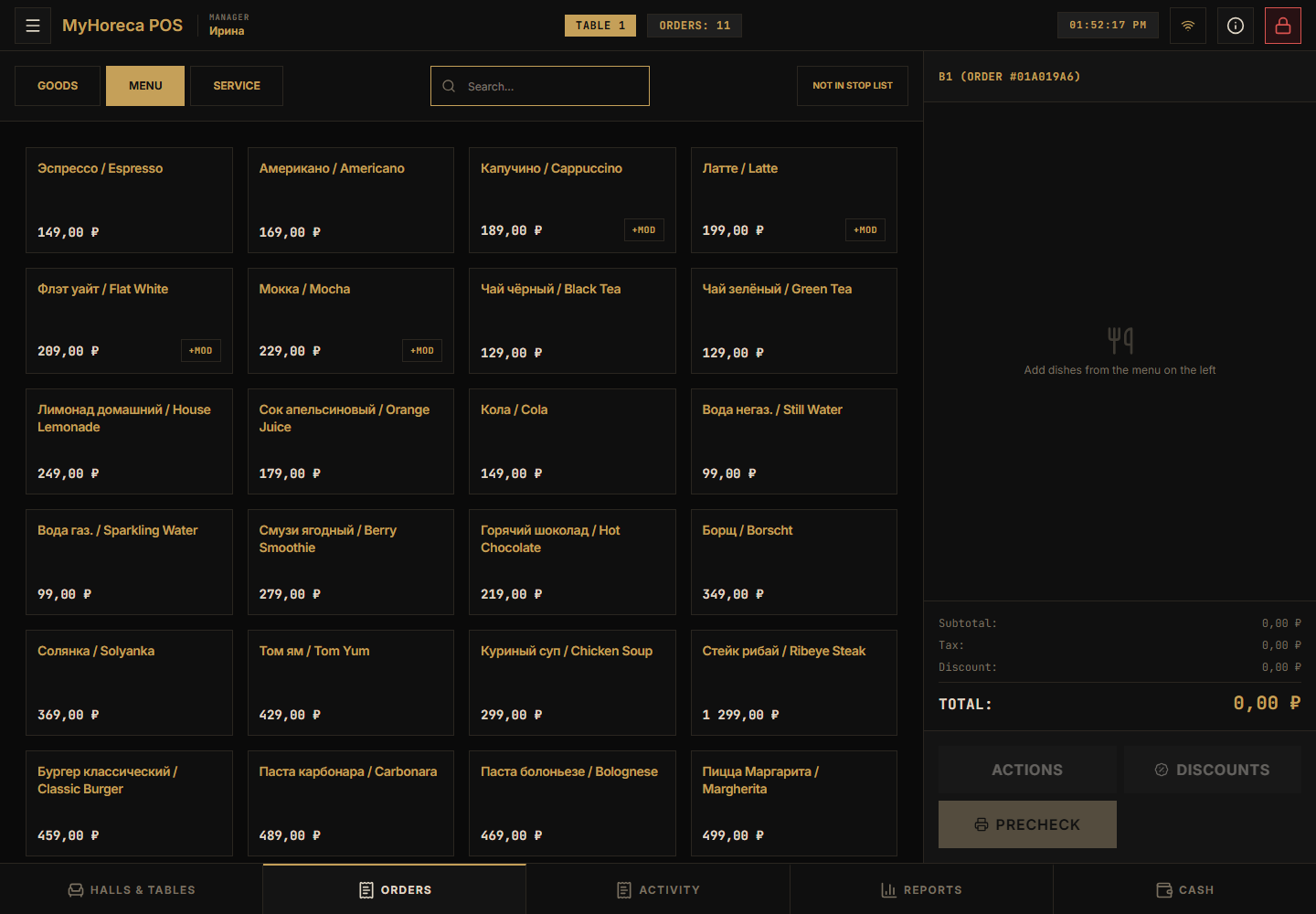
Section titled “Step 1. Open an order”First choose a table (if you work by tables) and open the order.
Empty on the right is normal:
Step 2. Open the menu on the left
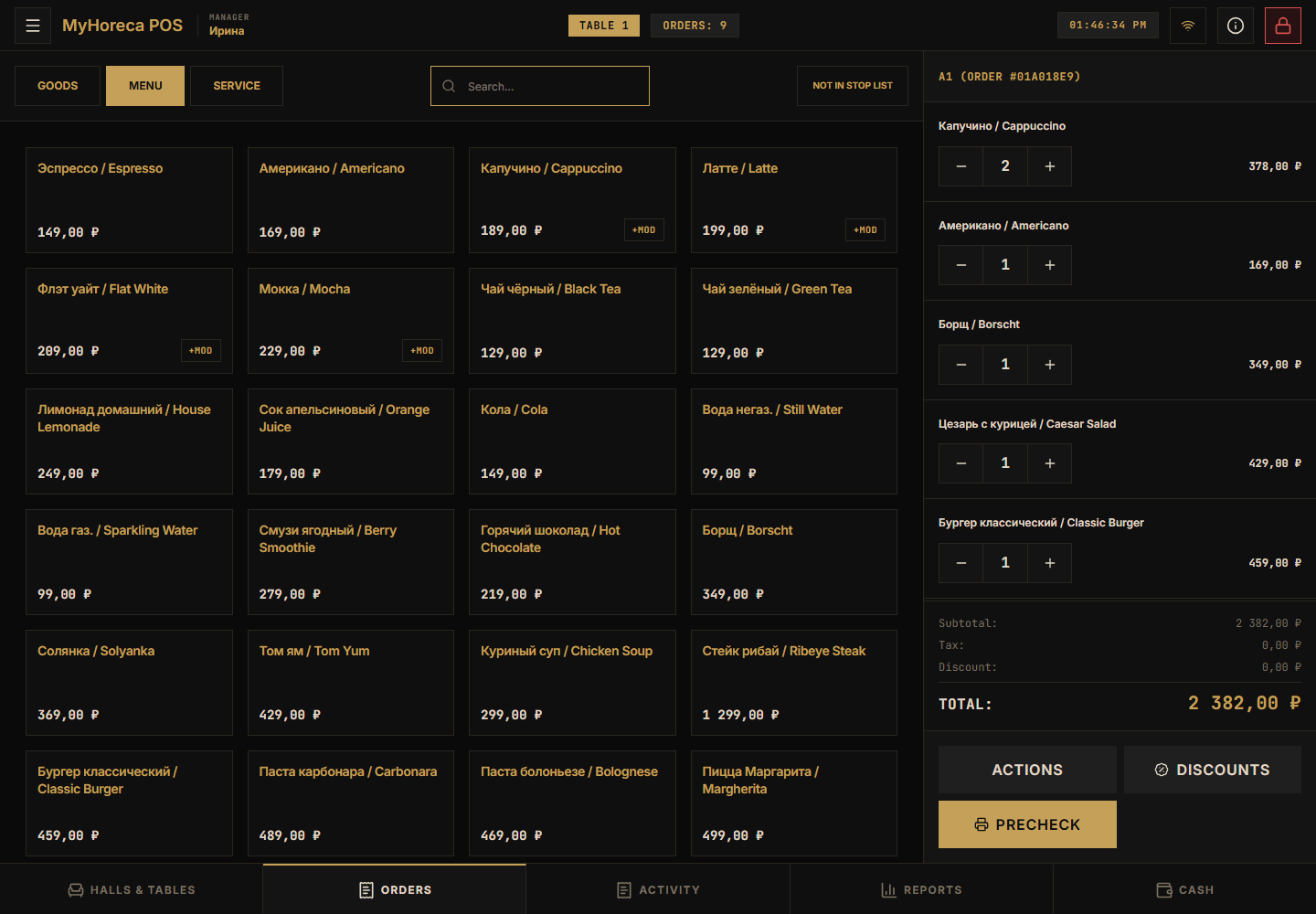
Section titled “Step 2. Open the menu on the left”Tabs: Goods / Menu / Service.
Food and drinks are under Menu.
Many items (drinks, soups, mains…):
Step 3. Search (optional)
Section titled “Step 3. Search (optional)”Type a name — matching cards remain:
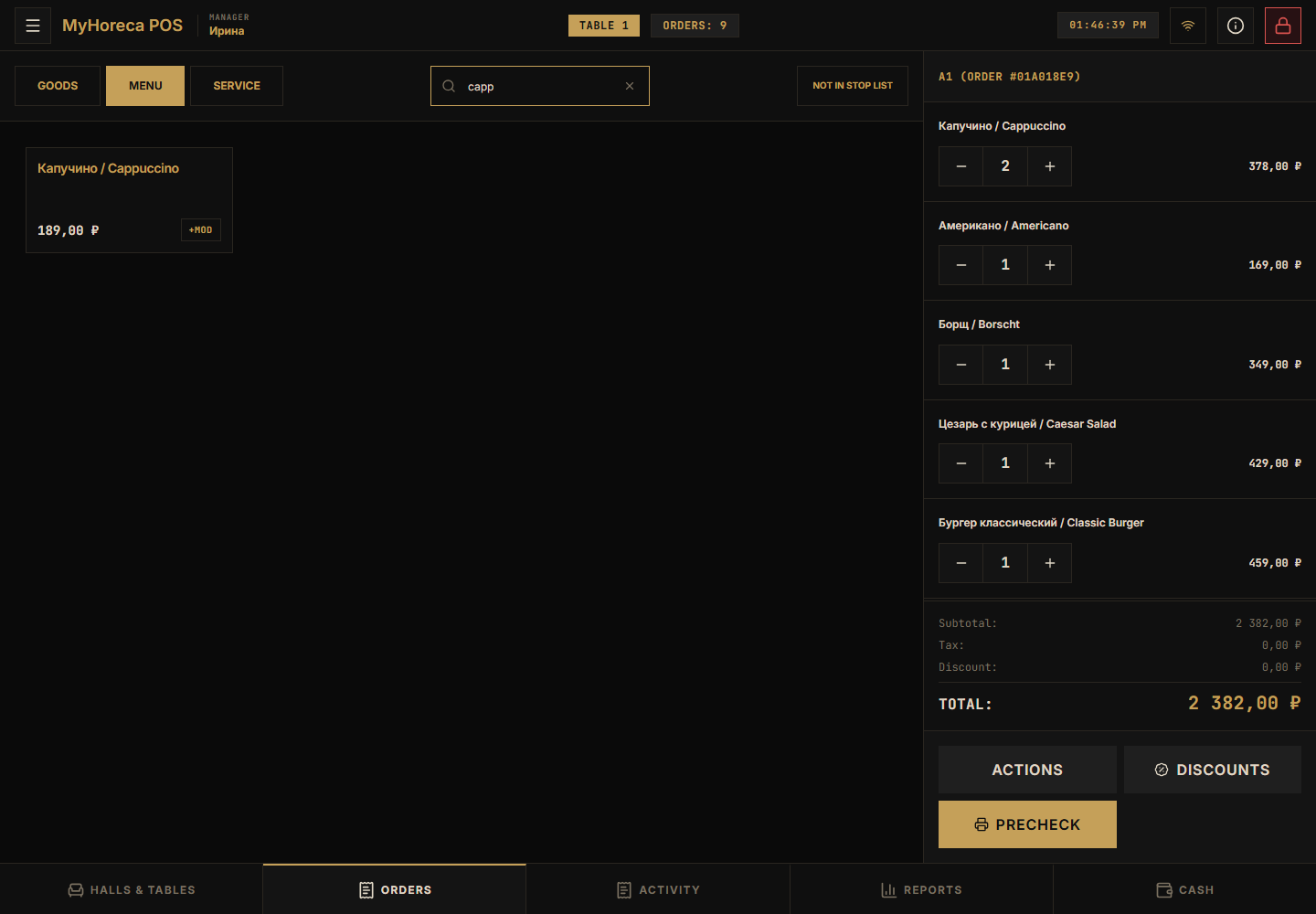
Tap a dish — it is added on the right.
Step 4. If an extras window appears
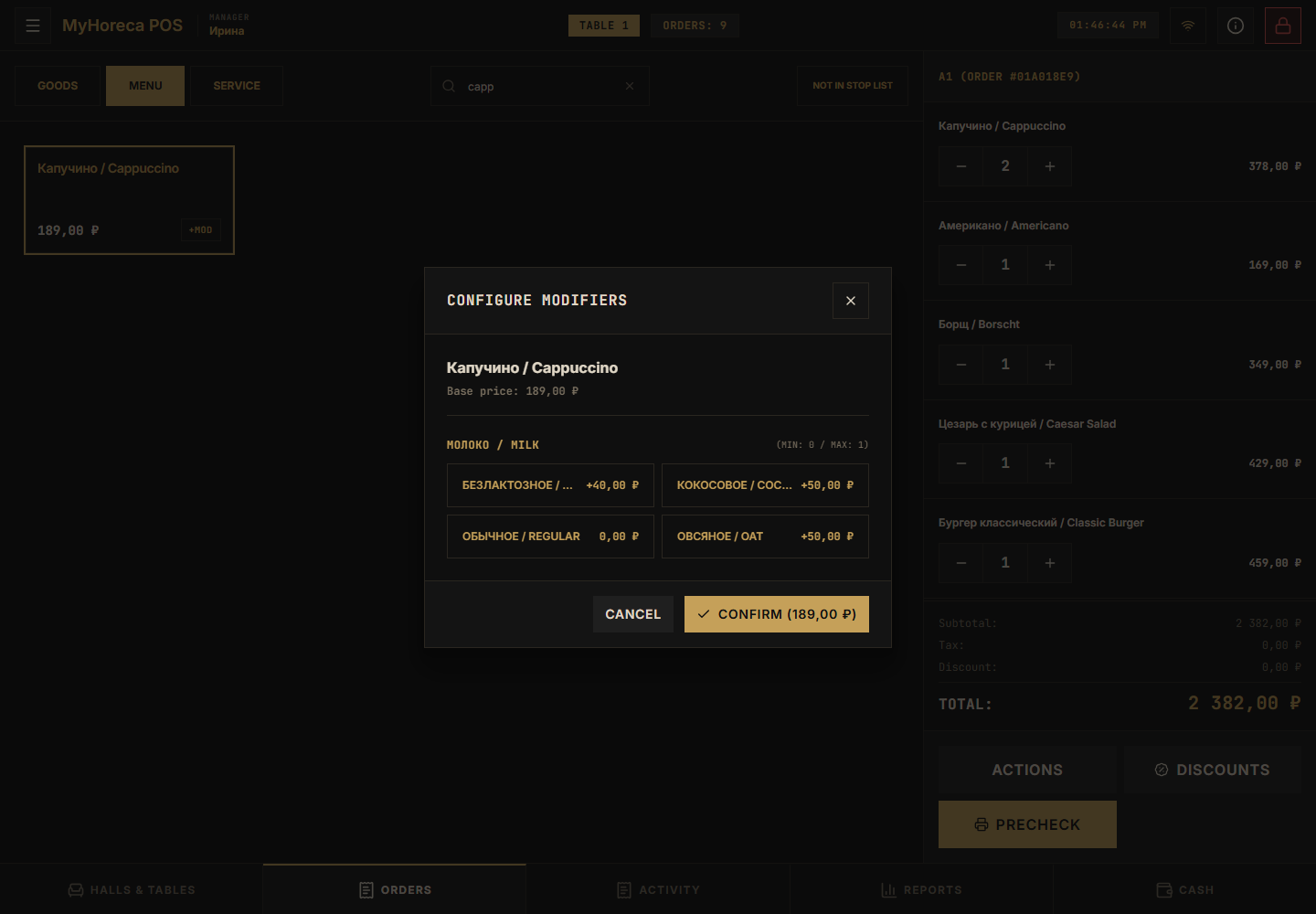
Section titled “Step 4. If an extras window appears”Some items show +MOD or a choice window.
Pick options and tap Confirm.
Step 5. Add more dishes
Section titled “Step 5. Add more dishes”Repeat: tap a card → line on the right.
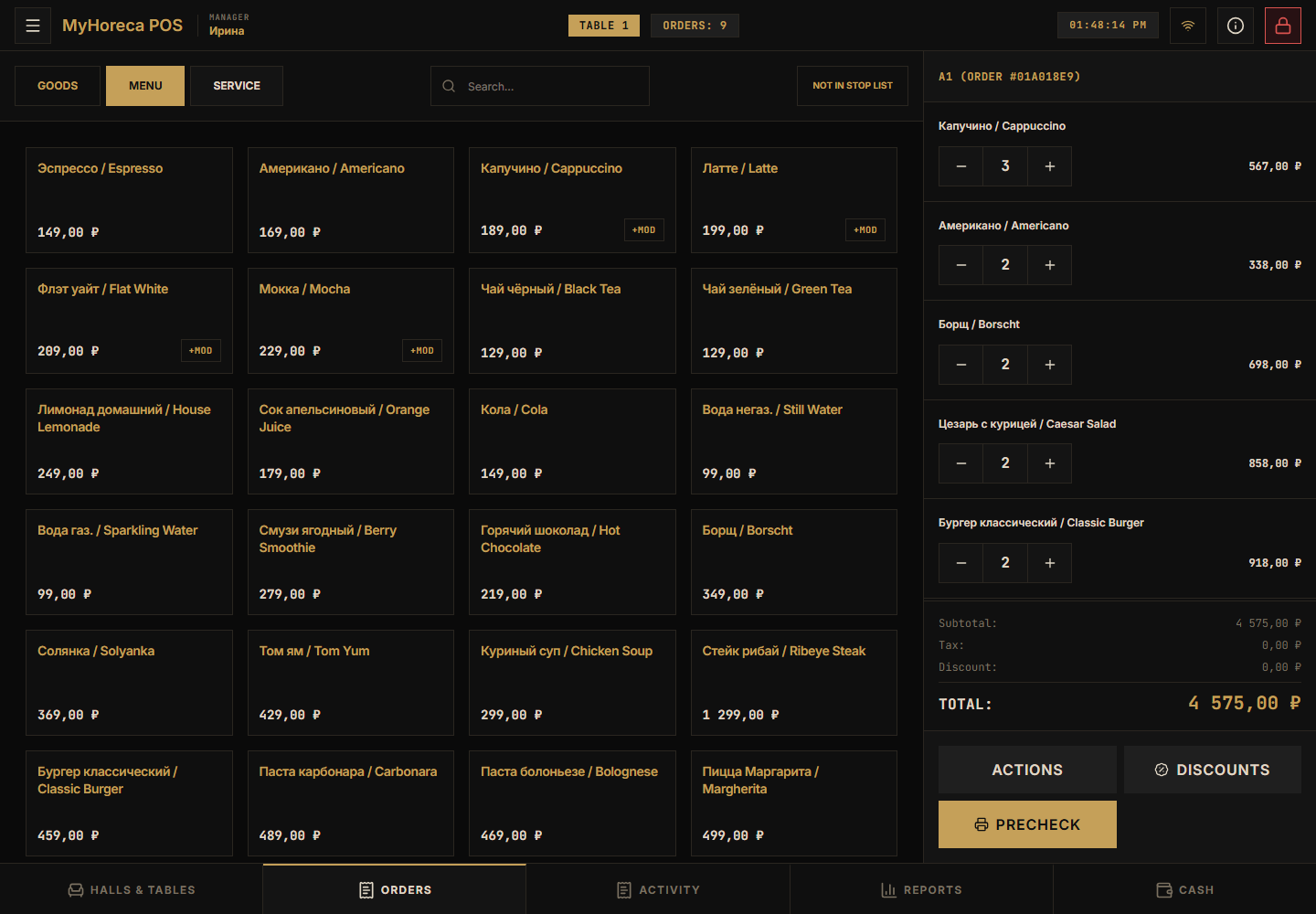
The order can have several lines (not one item):
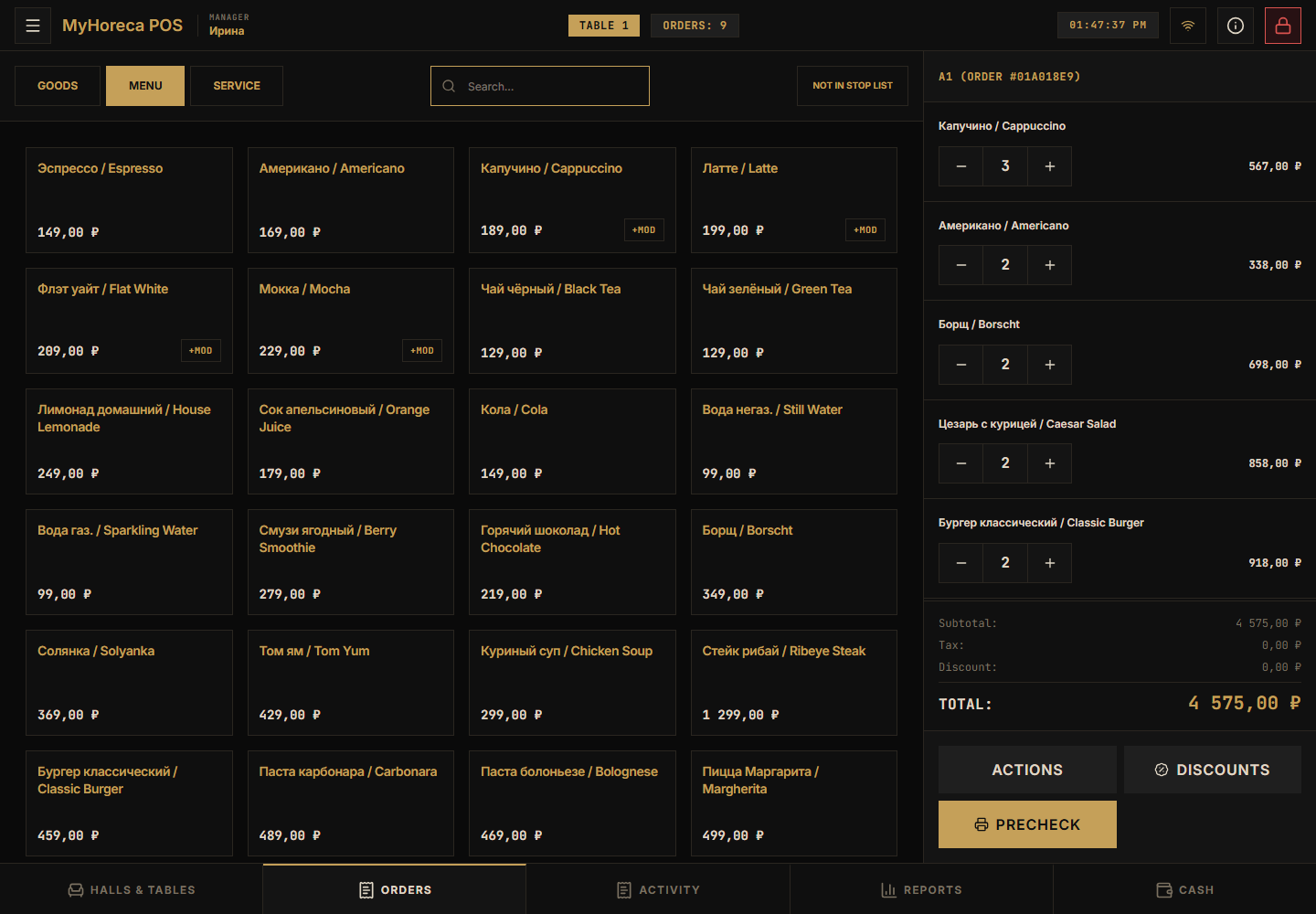
Change quantity with − / + on the line.
Step 6. Precheck (if needed)
Section titled “Step 6. Precheck (if needed)”Tap Precheck.
The order may say it is locked because a precheck was issued — that is normal.
Step 7. Pay
Section titled “Step 7. Pay”- In the right order panel tap the yellow Cash button (not the bottom Cash tab).
- Choose Cash or Card.
- Confirm the amount.
The Service tab
Section titled “The Service tab”This is not a “service role”. It is a tab for service items, if they were set up in Cloud.
Printer/theme settings: POS settings.
Remove an unwanted line
Section titled “Remove an unwanted line”See Remove an item from an order.
If it fails
Section titled “If it fails”- item missing — wait 1–2 minutes or ask a manager;
- “no cash session” — open it;
- you are a waiter — hand payment to the cashier.