Who does what
Not everyone needs every button. Pick your role — each how-to: where to sign in, what you can / cannot do.
Role how-tos (with screenshots)
Section titled “Role how-tos (with screenshots)”| Role | Open how-to |
|---|---|
| Cashier | Cashier work |
| Senior cashier | Senior cashier work |
| Waiter | Waiter work |
| Manager | Manager work |
| Kitchen | Kitchen work |
| Entrance checker | Entrance checker work |
| Support admin | Support admin |
One line each
Section titled “One line each”| Role | Where | In one line |
|---|---|---|
| Cashier | POS | Sell and take payment |
| Senior cashier | POS | + close cash and refunds |
| Waiter | Floor / tablet | Order and precheck, no payment |
| Manager | POS | Help, voids, printers |
| Kitchen | Kitchen screen | Cook from tickets |
| Entrance checker | Entrance | Check tickets |
| Support admin | Cloud (office) | Whole-system setup |
Side menu modes (not roles)
Section titled “Side menu modes (not roles)”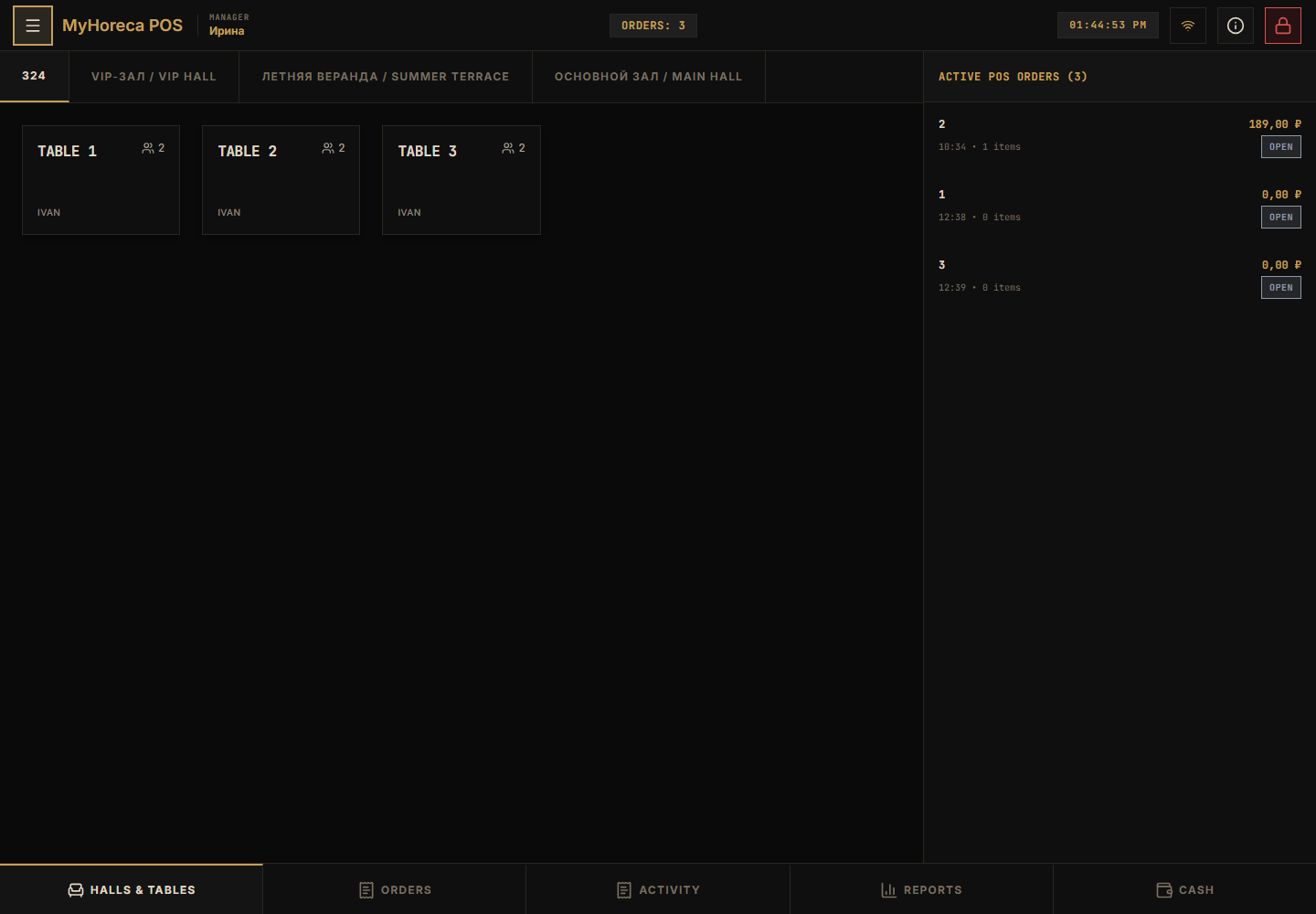
- POS terminal — cashier / senior / manager;
- KDS terminal — Kitchen role;
- Mobile access — waiter or checker QR;
- Settings — print and connections (usually manager).
Service tab in an order
Section titled “Service tab in an order”Not a role — tab next to Menu. See Sell an item.
Important
Section titled “Important”- Your PIN only.
- Missing button — call manager.
- Office (Cloud Roles tab): MyHoreca Cloud → Roles and access.