Kitchen work
This page is only for the Kitchen role.
Where to sign in
Section titled “Where to sign in”- Go to the kitchen screen (not the counter POS).
- Enter the cook / kitchen PIN.
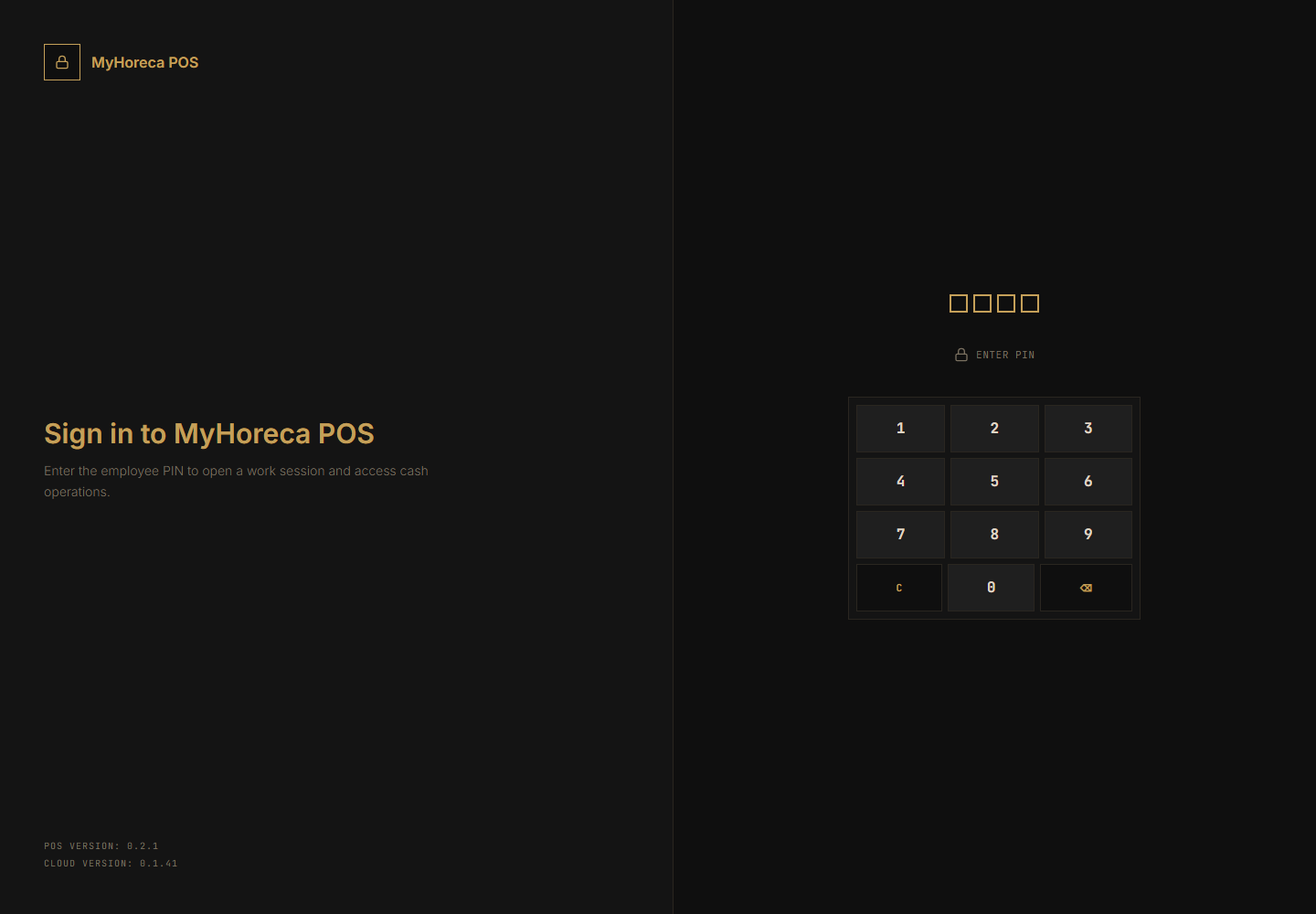
- Open your personal shift if asked.
If you landed on normal POS — left menu → KDS terminal (manager sets this up).
What kitchen can do
Section titled “What kitchen can do”| Action | How |
|---|---|
| See ticket queue | Kitchen board |
| Change dish status | Accept → In progress → Ready → Served |
| Stop-list (if allowed) | As shown on screen |
| Kitchen stock actions (if allowed) | Receipt / write-off, etc. |
Ticket board
Section titled “Ticket board”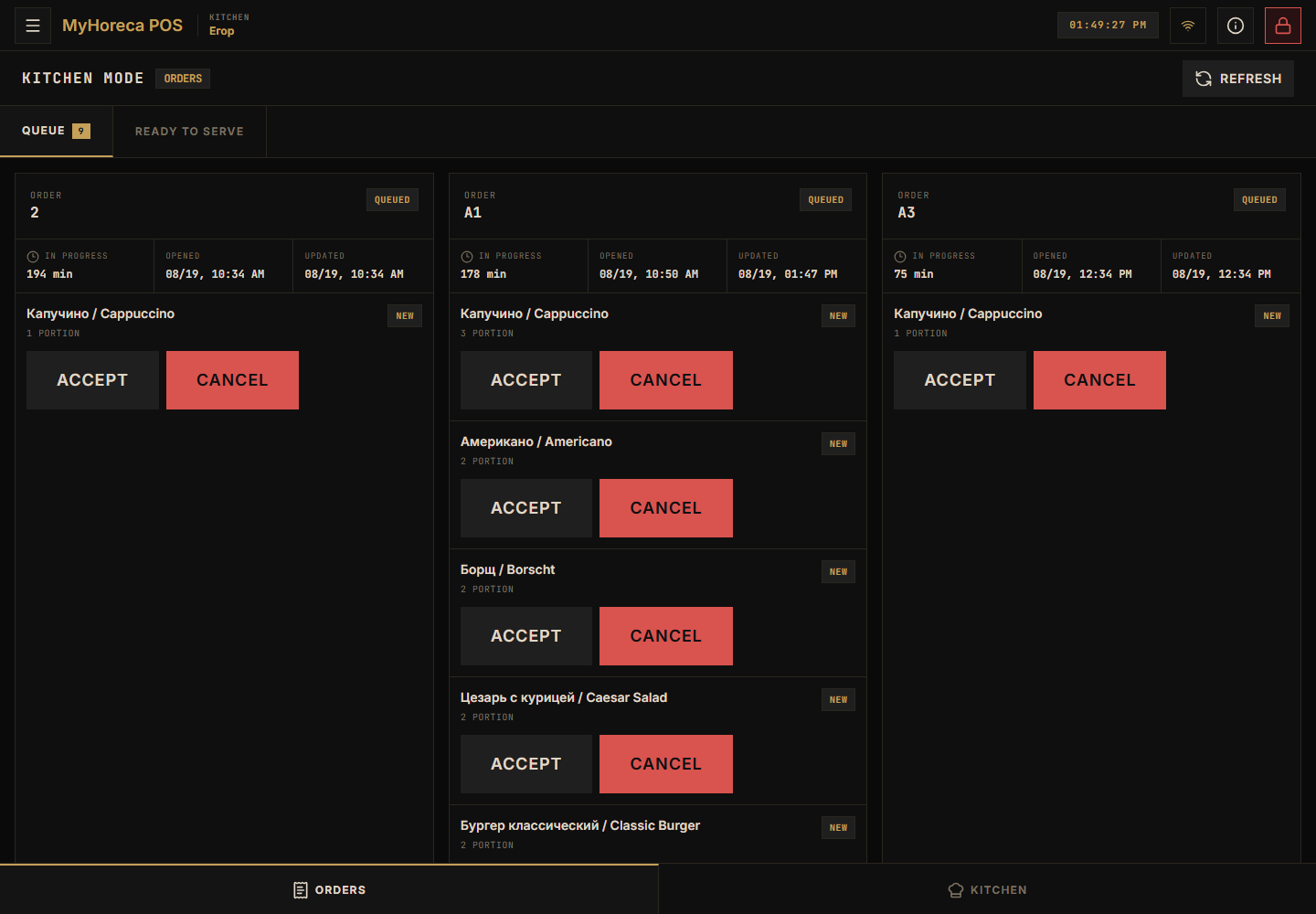
Typical ticket path: Accept → In progress → Ready → Served.
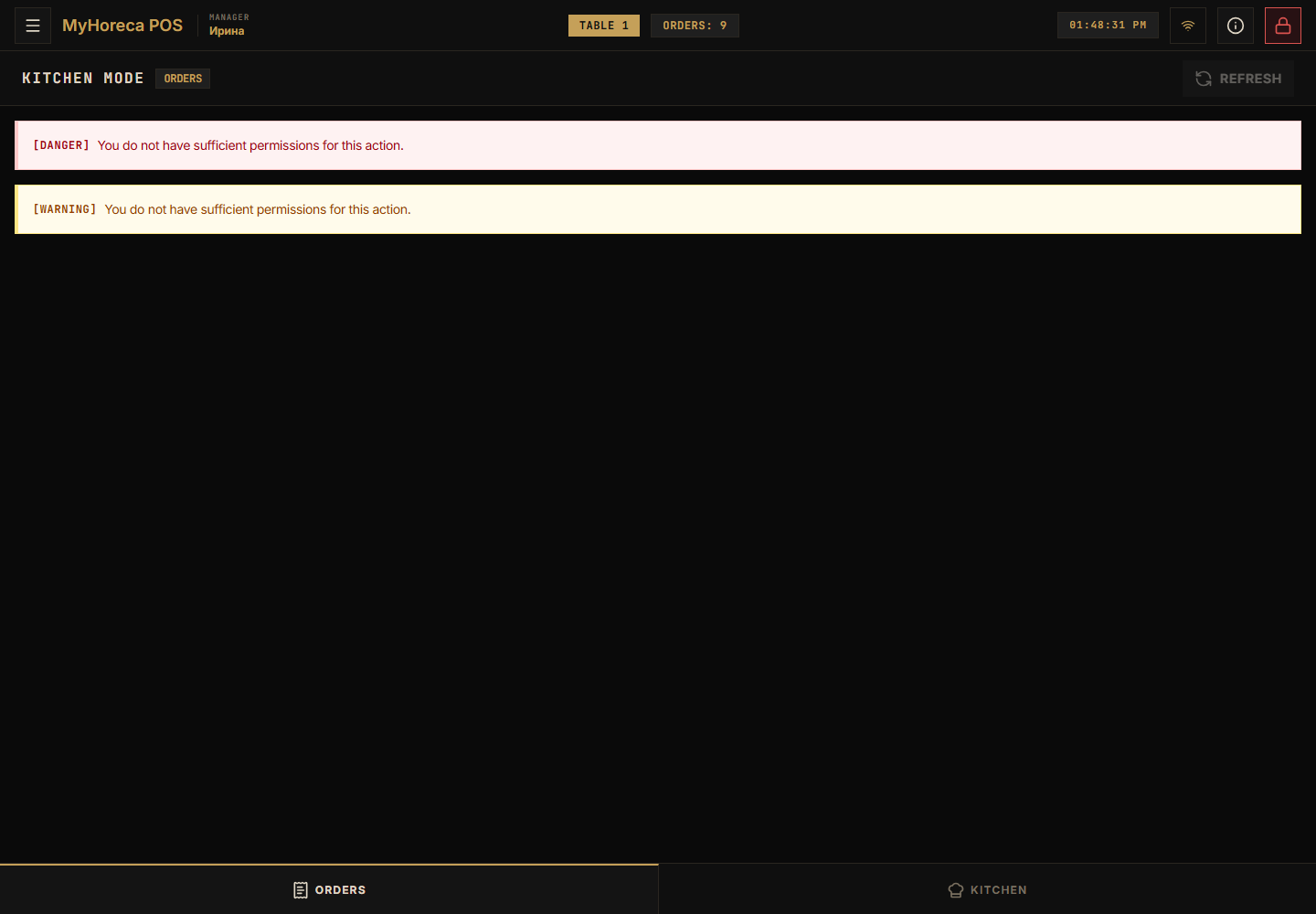
If there are no tickets
Section titled “If there are no tickets”POS or waiter has not sent lines to the kitchen yet.
At the start of a shift that is normal. Do not “break” the POS.
What kitchen usually CANNOT do
Section titled “What kitchen usually CANNOT do”- sell and pay on POS;
- cash session;
- dining-room waiter orders;
- entrance ticket checks.
End of shift
Section titled “End of shift”Close your personal shift on the kitchen screen.
If it fails
Section titled “If it fails”- no tickets for a long time — ask POS / waiter if the order was sent;
- no permission — call a manager;
- your PIN only.
See also: who does what.