Manager work on POS
This page is for the Manager role on site (POS).
Where to sign in
Section titled “Where to sign in”- POS computer → open the POS.
- Your manager PIN → sign in.
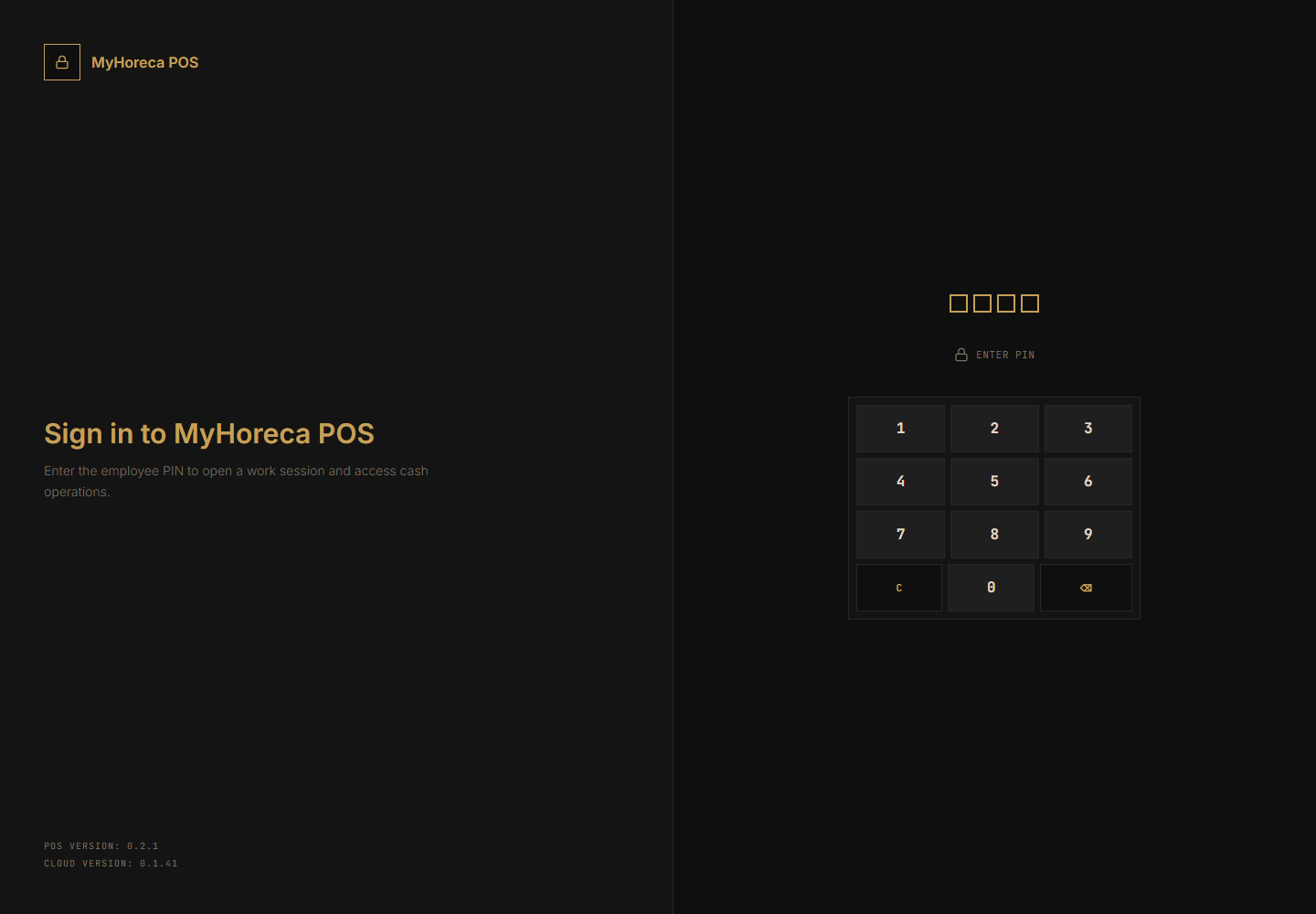
- Open personal shift.
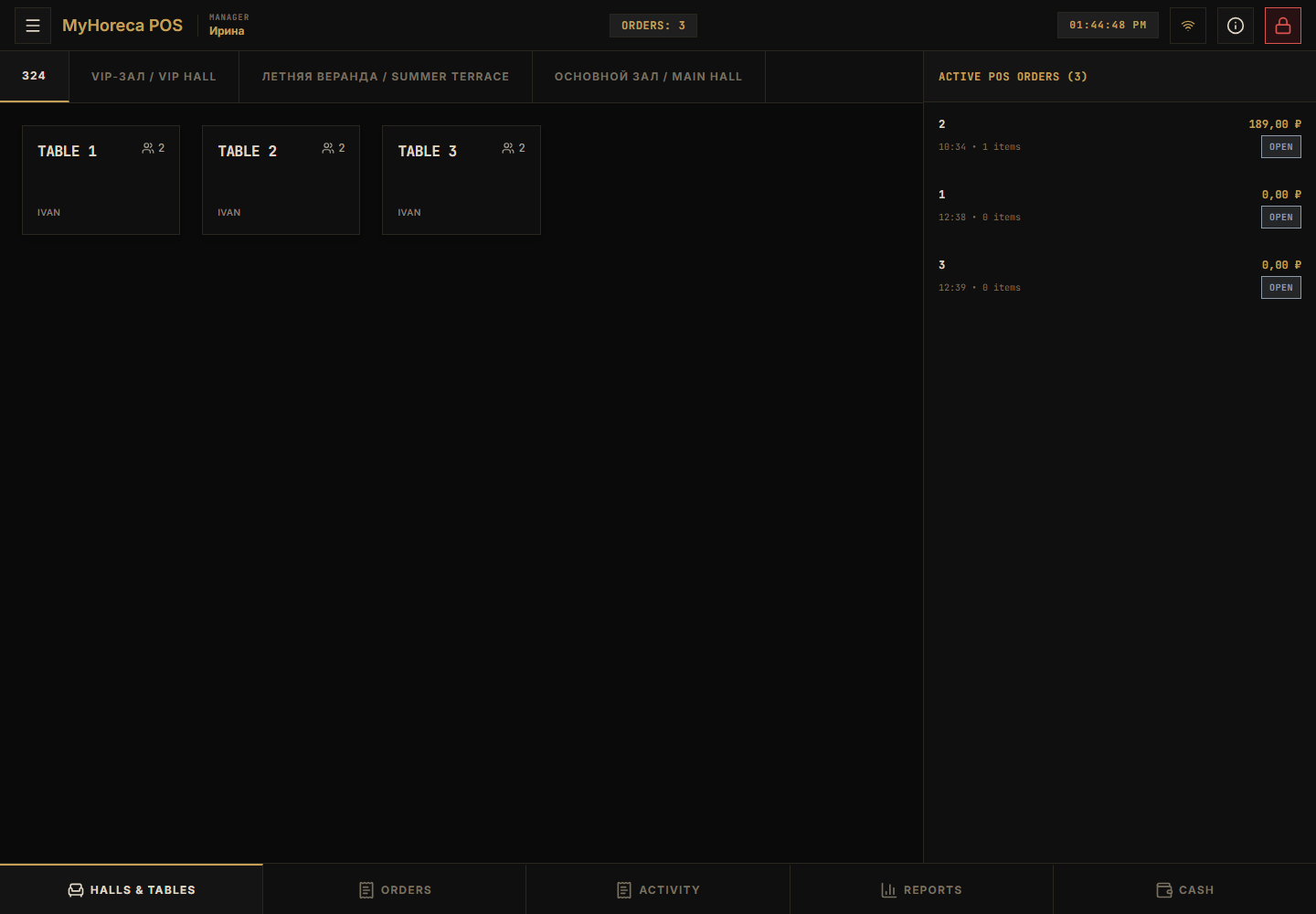
What a manager can do on POS
Section titled “What a manager can do on POS”| Action | Where |
|---|---|
| Everything cashier / senior can | Sell, pay, close cash, refunds |
| Remove a line from an order | In the order → delete / decrease → may ask for your PIN |
| Close cash session | Bottom Cash |
| Print / theme settings | Left menu (☰) → Settings |
| QR for waiter / checker tablet | Left menu → Mobile access |
| Tickets at entrance when needed | Entrance device (if permitted) |
Help remove a line
Section titled “Help remove a line”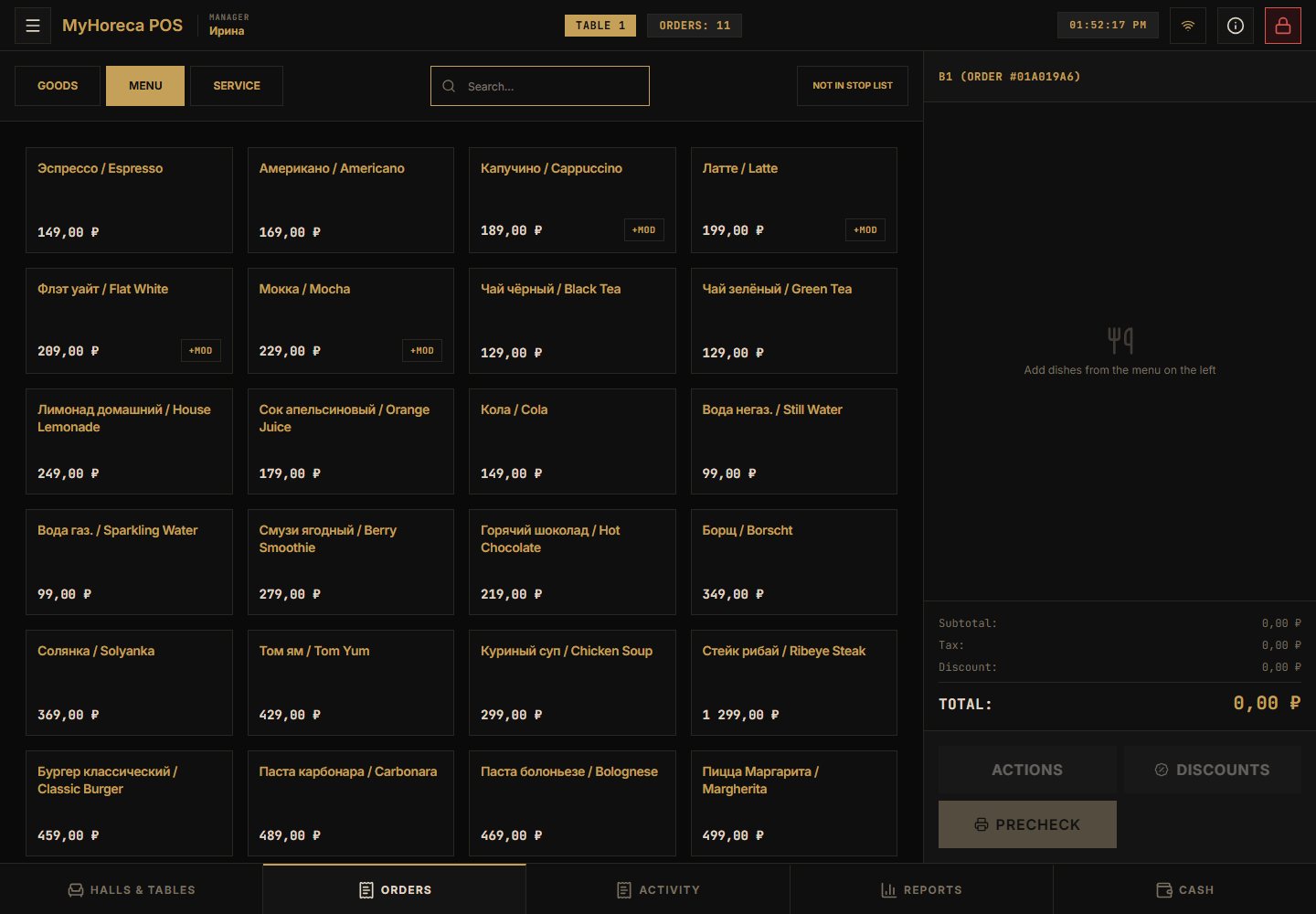
- Open the order.
- Find the wrong line.
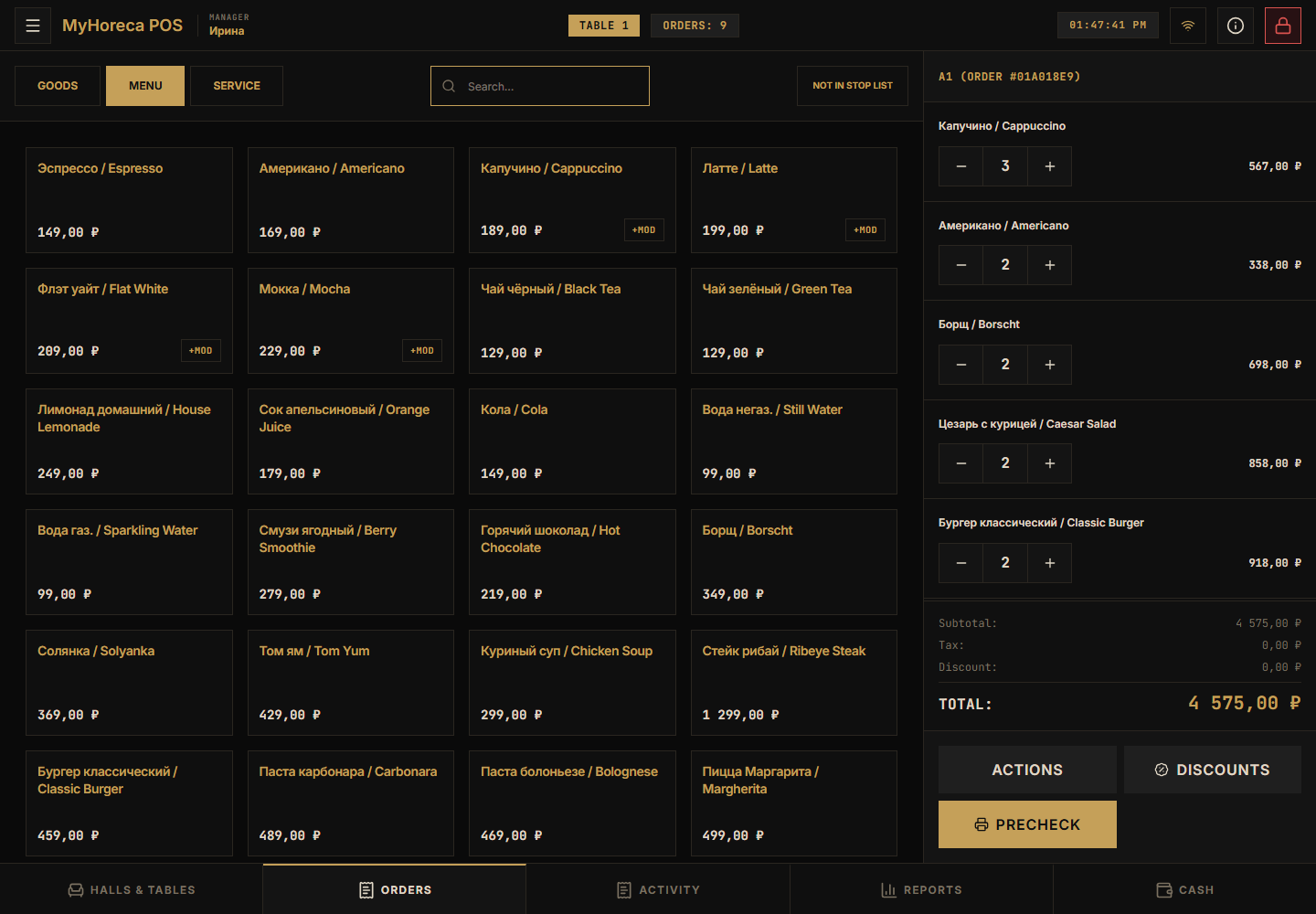
- Delete / decrease.
- If POS asks for a manager PIN — enter yours, do not write digits on a sticky note for the cashier.
More: remove a line.
Settings on this POS
Section titled “Settings on this POS”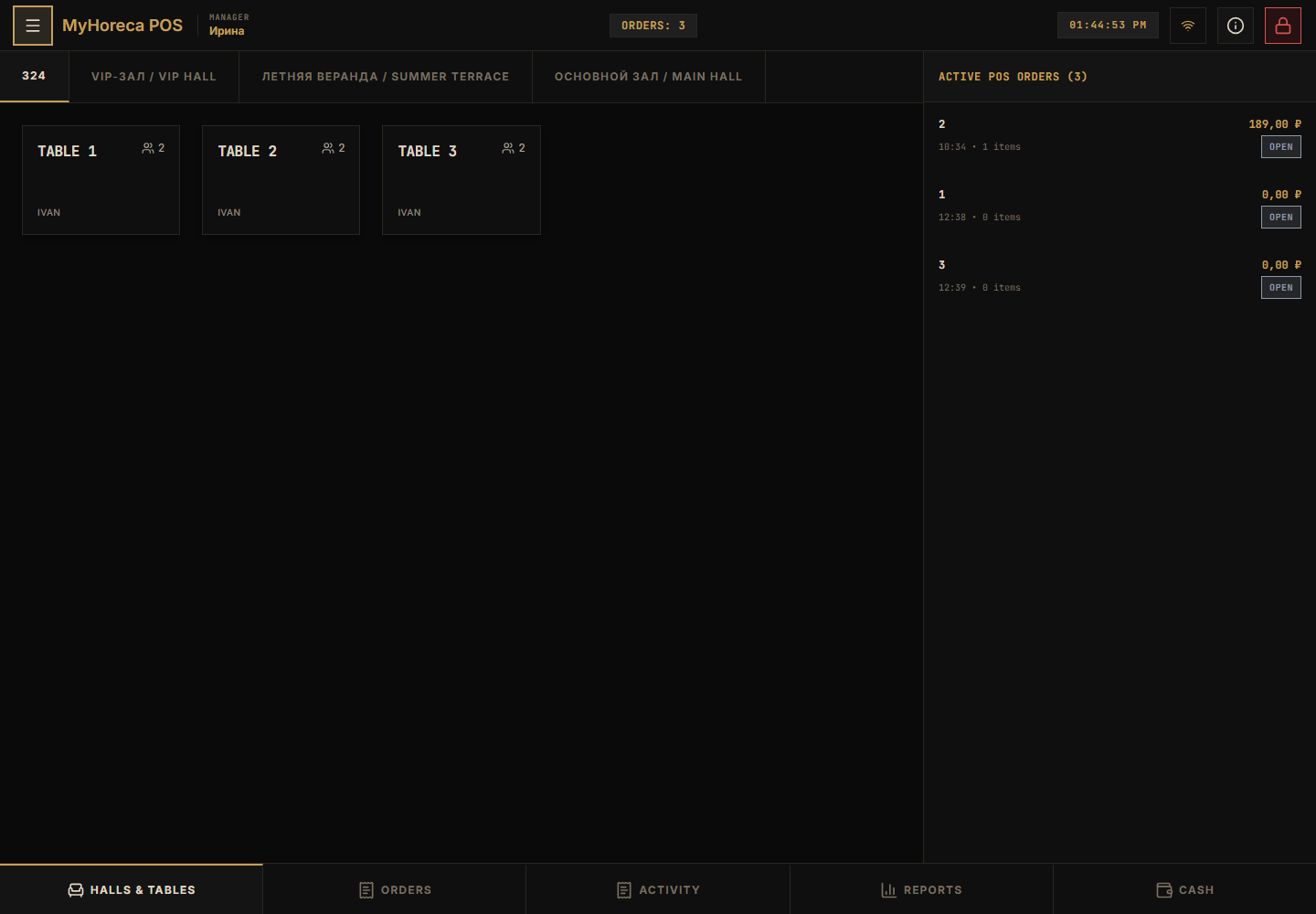
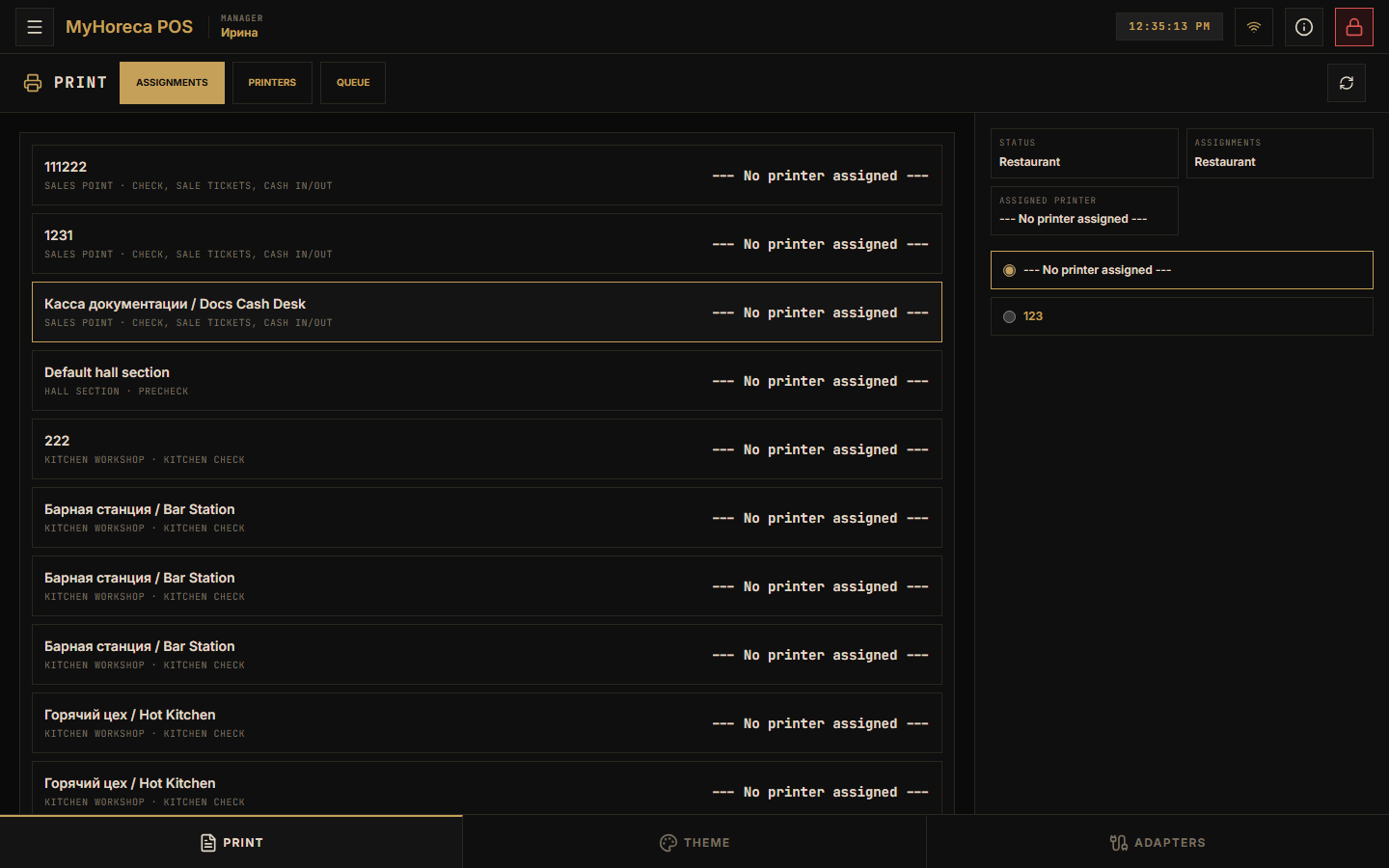
Left menu → Settings:
- Print — which printer prints the check;
- Theme — light / dark;
- Printer connections — link to Windows printers.
Full guide: POS settings.
Close the day (cash)
Section titled “Close the day (cash)”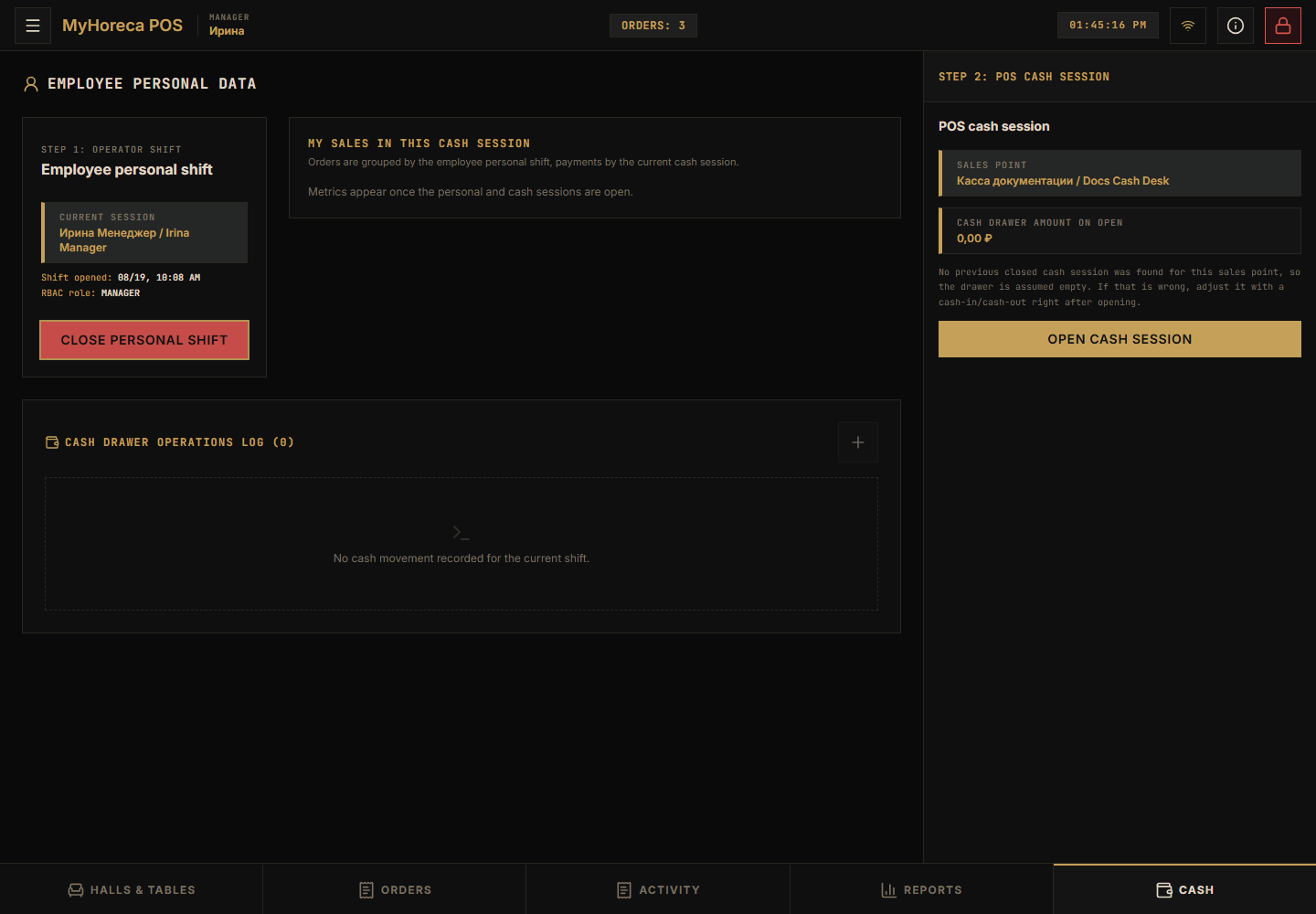
If senior cashier cannot — close cash yourself: close cash session.
What a manager should NOT do “for everyone”
Section titled “What a manager should NOT do “for everyone””- do not lend your PIN “for a minute”;
- do not give everyone support admin;
- full menu / stock / new employees — in Cloud, not every day on POS.
If an employee has no button
Section titled “If an employee has no button”- They used their PIN.
- Personal shift is open.
- For payment — cash session is open.
- Still missing — their role in Cloud has no checkbox. Office → Roles tab.
See also: who does what, cashier work, senior cashier.