Open the POS
This is the first step of a shift. Keep it simple.
What you need
Section titled “What you need”- a PC/terminal with MyHoreca POS installed;
- screen, mouse or touch;
- internet (otherwise the app may complain about connection).
- On the Windows desktop find MyHoreca POS
(or Start → MyHoreca → POS). - Launch it and wait a few seconds.
- If you see the PIN screen — you are ready. Next: sign in with PIN.
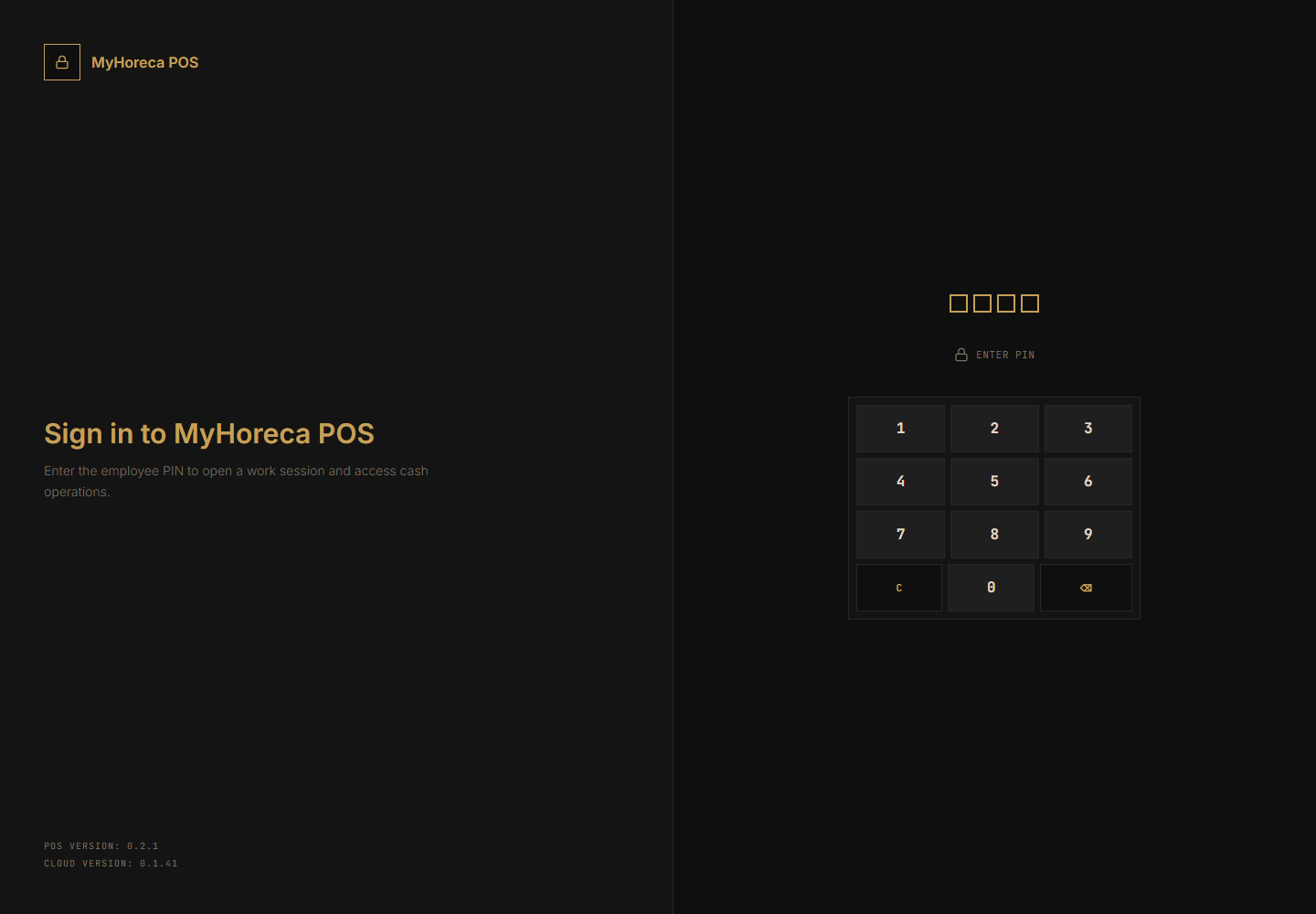
- If you see a pairing screen — the device is not linked to the restaurant yet.
Call a manager. Do not configure it yourself.
How to know it is OK
Section titled “How to know it is OK”- you see a number pad and text like Enter PIN;
- no red errors about “not connected” / “no license”.
If it fails
Section titled “If it fails”- app does not open → reboot the PC and try again;
- blank window → wait 30 seconds, then call a manager;
- see also FAQ.